-
Nikon 50-250mm - Gartentierkinder 🐇🐦🐿
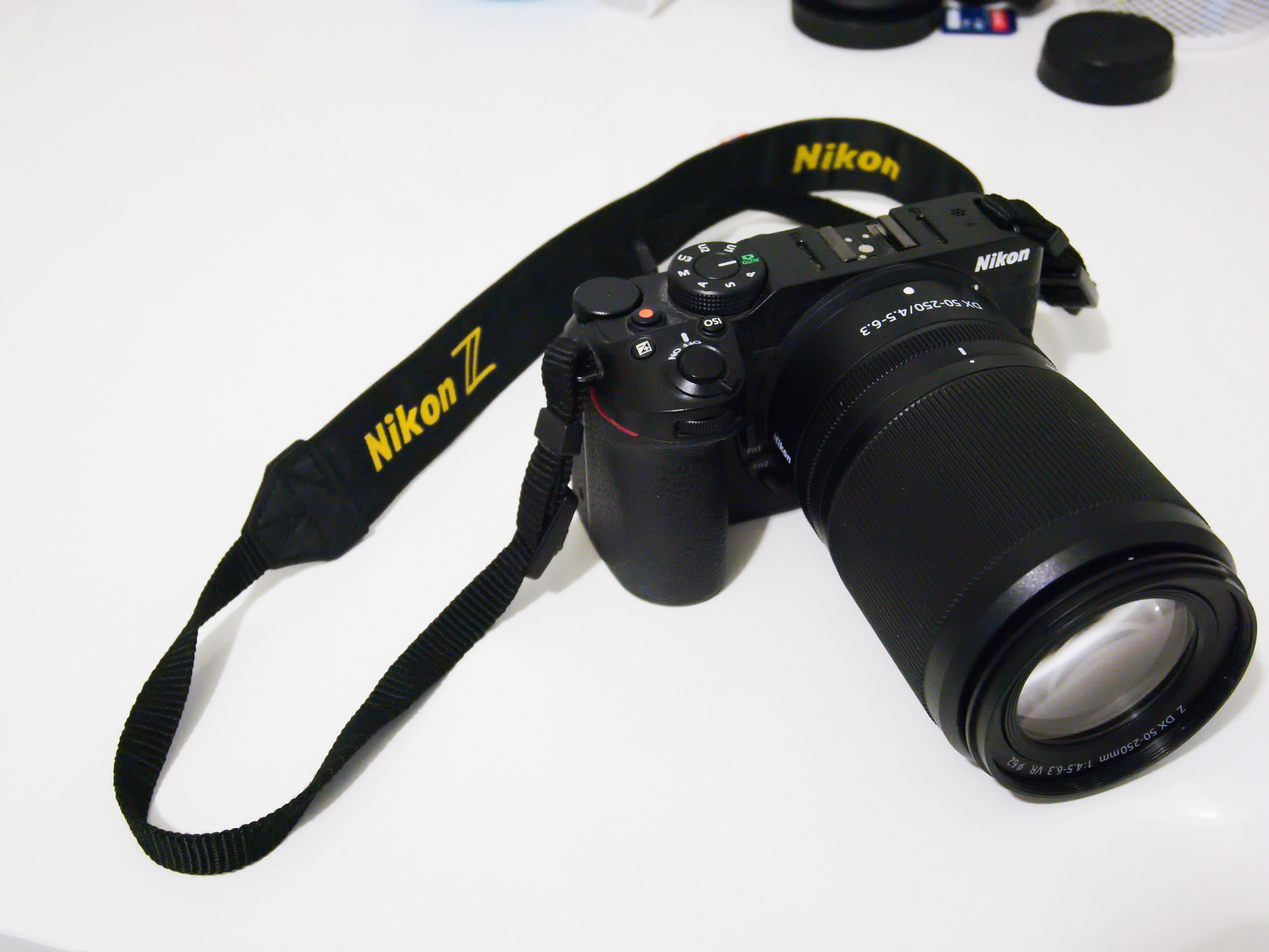
Mein neues NIKKOR Z DX 50–250 mm 1:4,5–6,3 VR von Nikon ist ein modernes und sehr leichtes Teleobjektiv für APS-C-Kameras. Ideale Größe für die Z30!
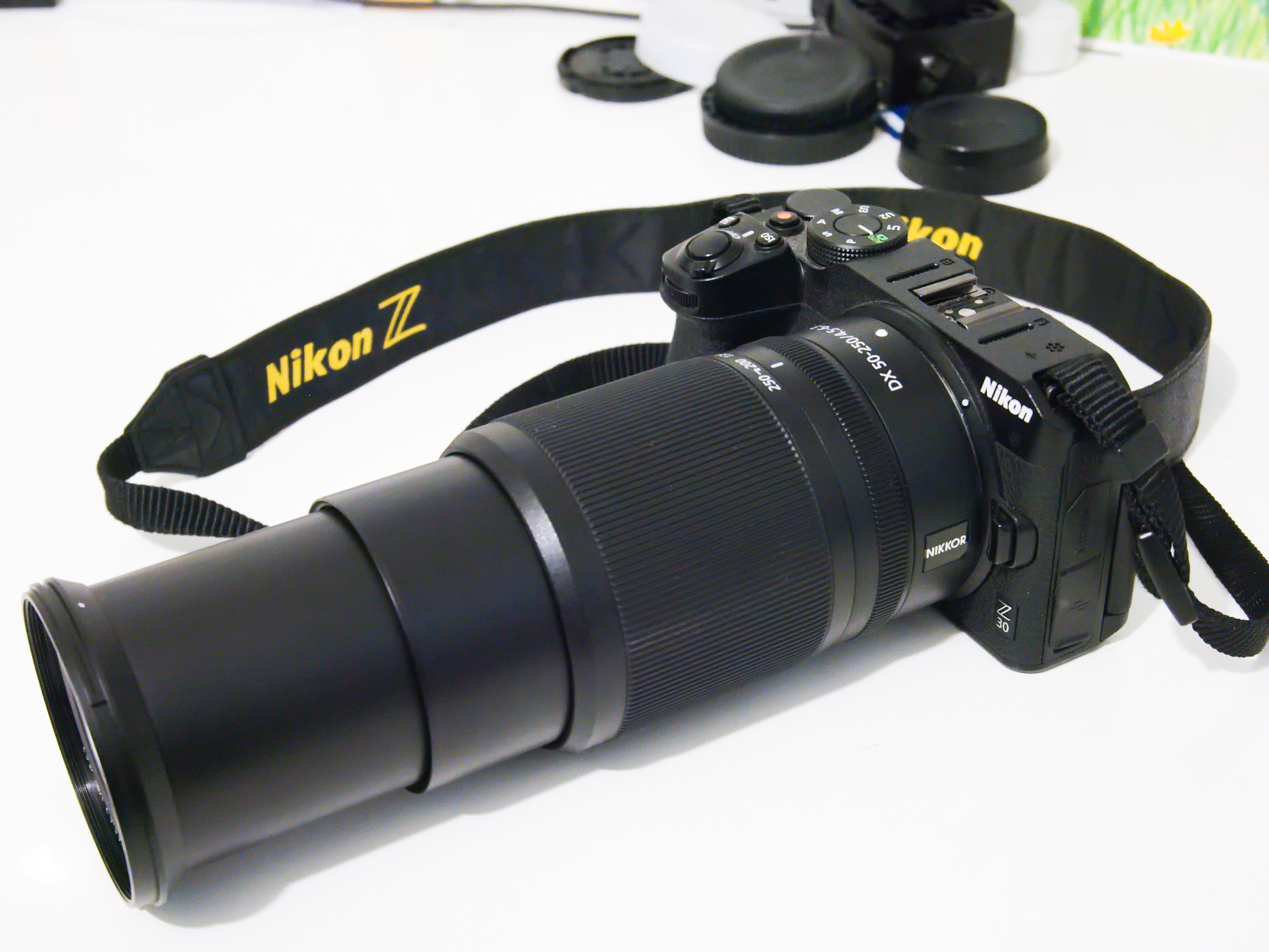
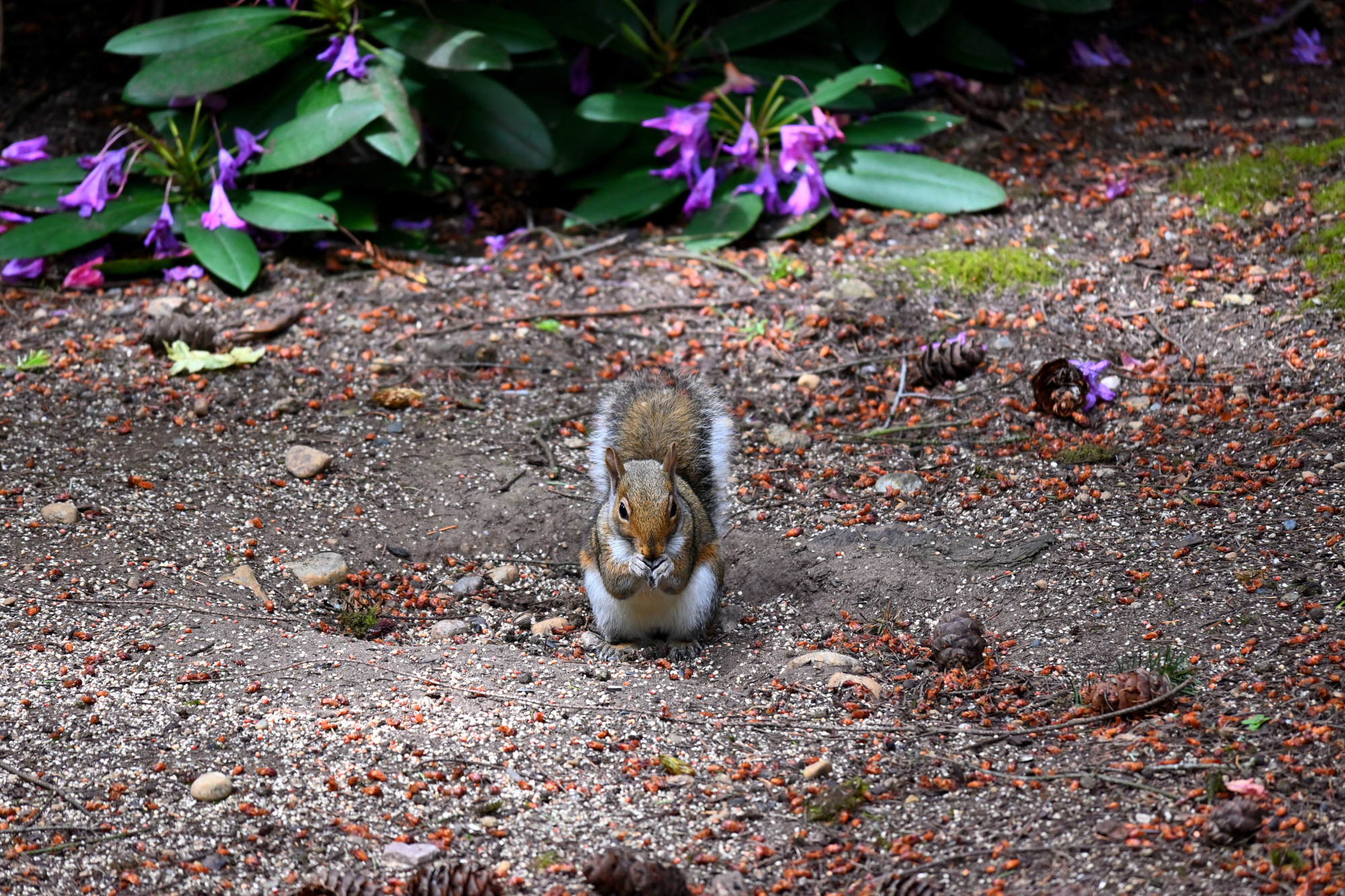
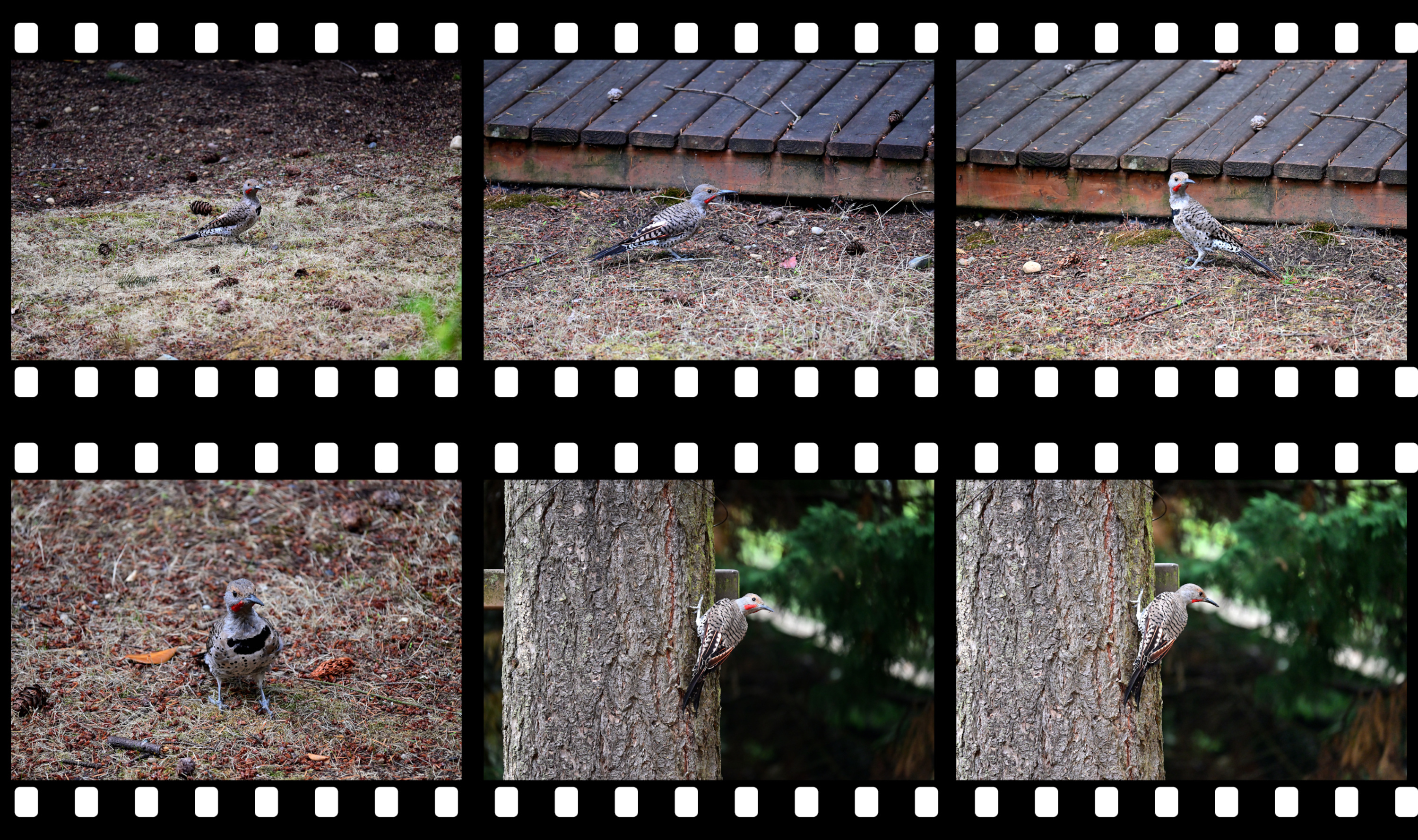
Und auch Ideal für die Gartentierkinder:
1/250s f/6,3 ISO 450

1/250s f/6,3 ISO 2000
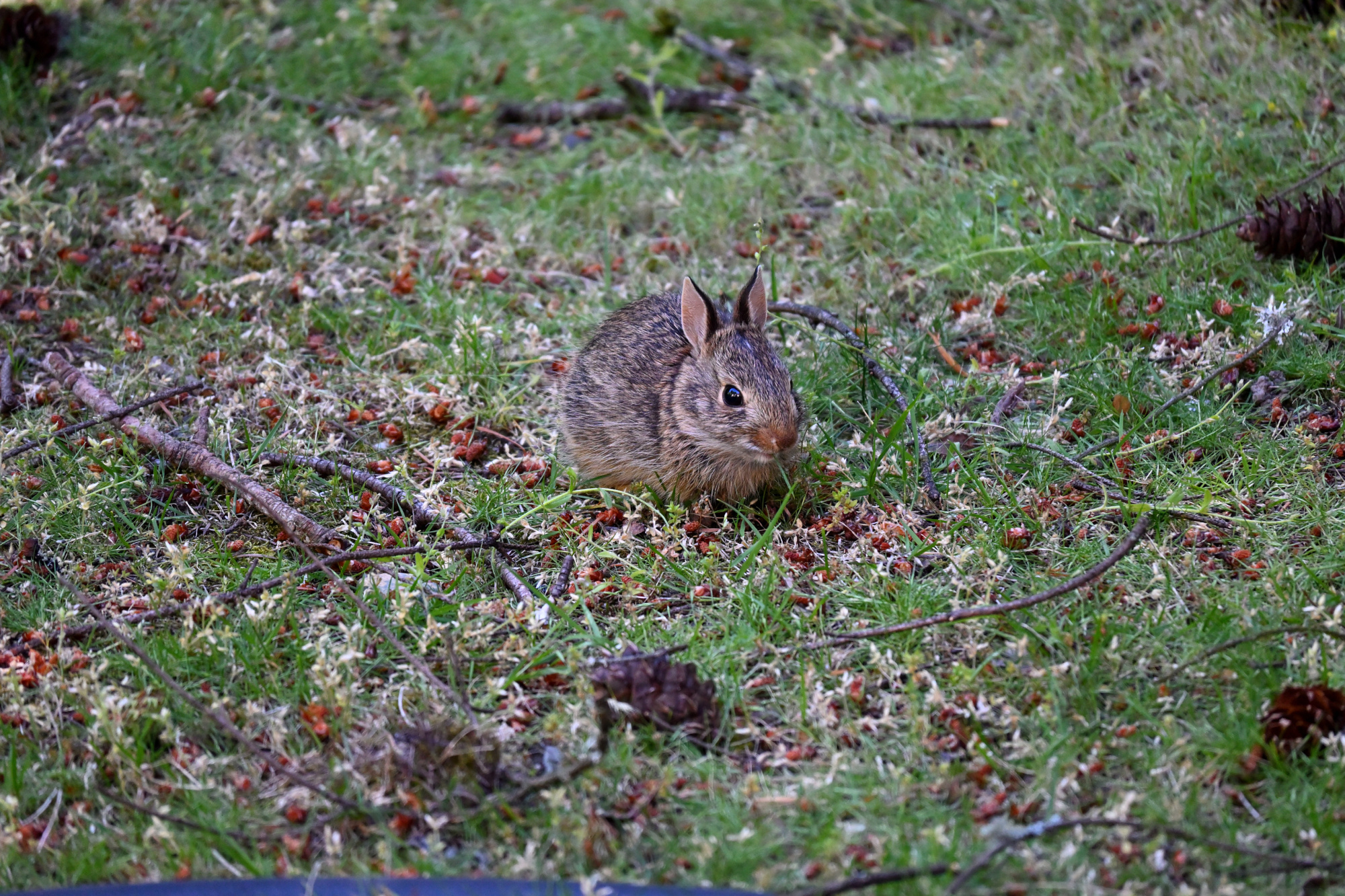
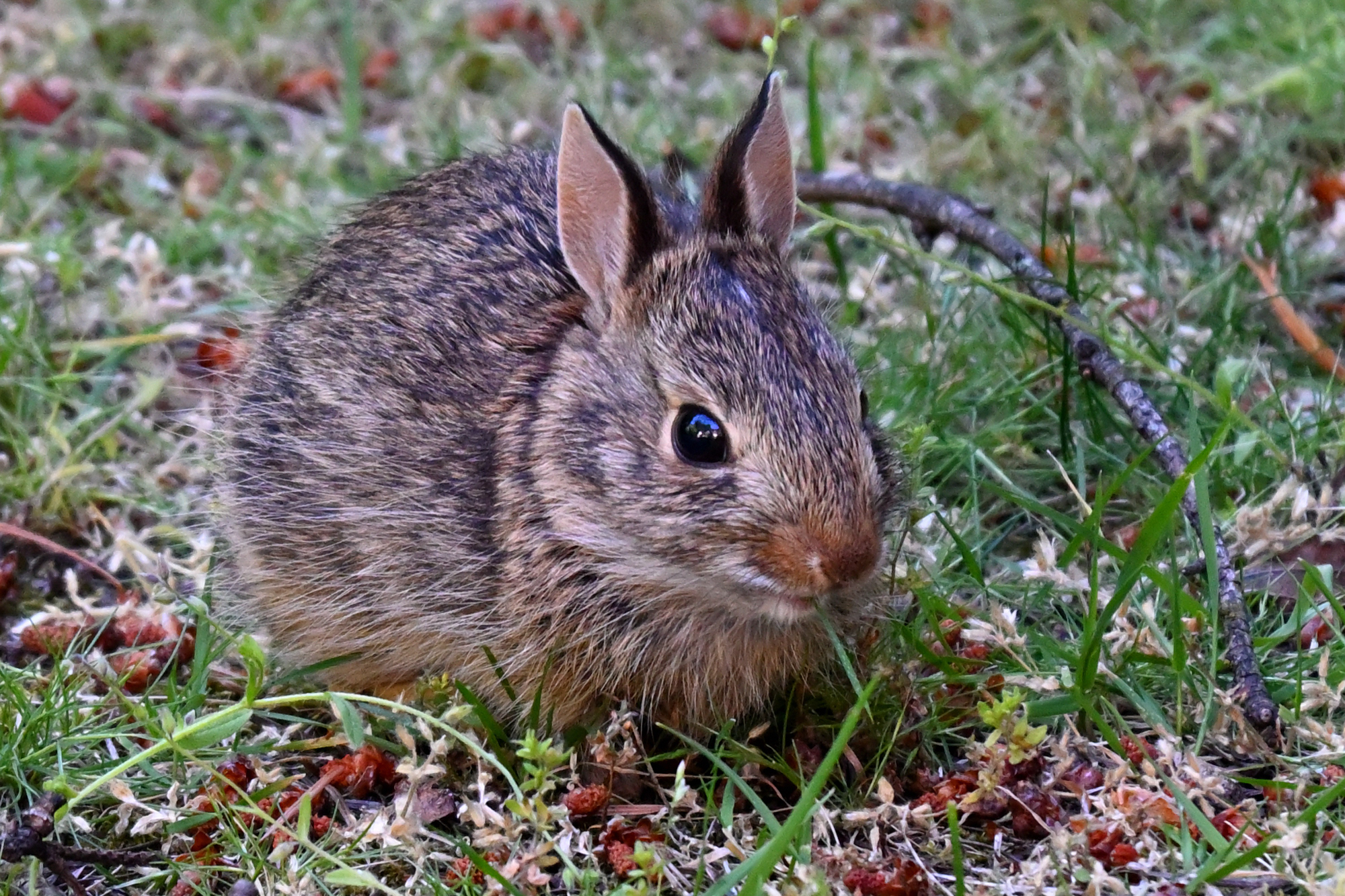
1/250s f/6,3 ISO 3200/36° 50-250mm f/4,5-6,3 VR f=250mm/375mm
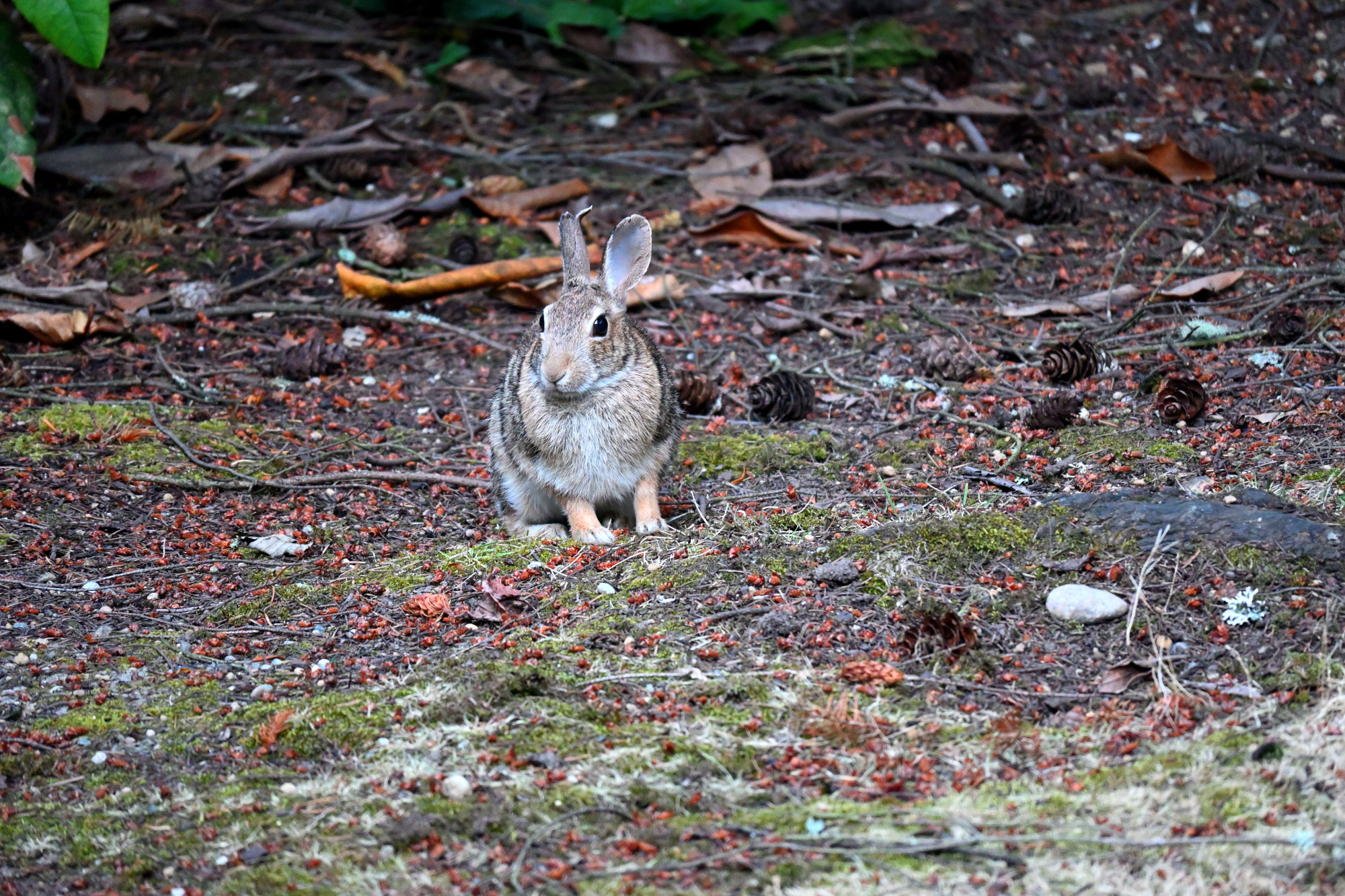
1/125s f/6,3 ISO 5600 50-250mm f/4,5-6,3 VR f=250mm/375mm
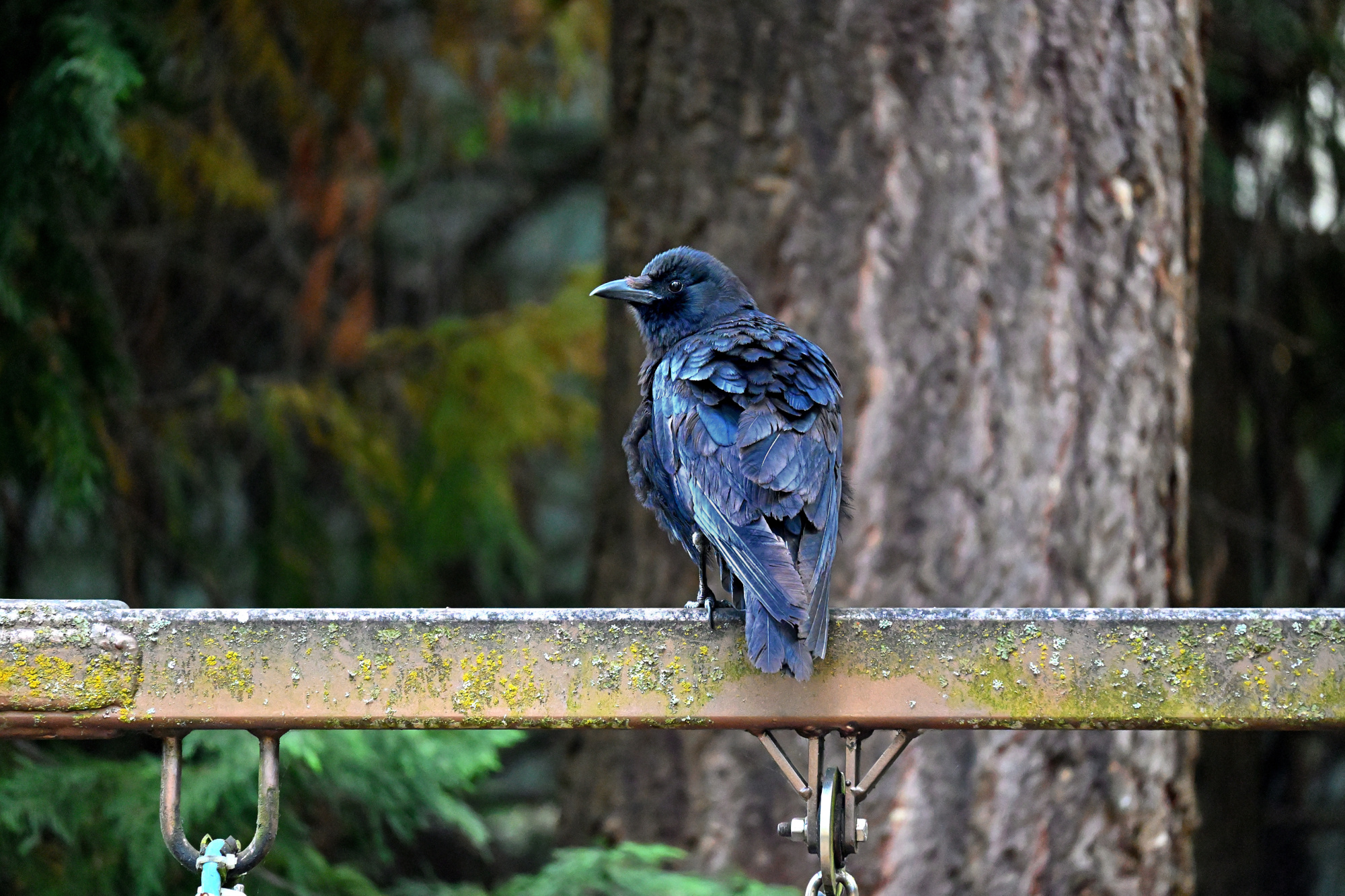
1/160s f/6,3 ISO 3200/36° 50-250mm f/4,5-6,3 VR f=250mm/375mm
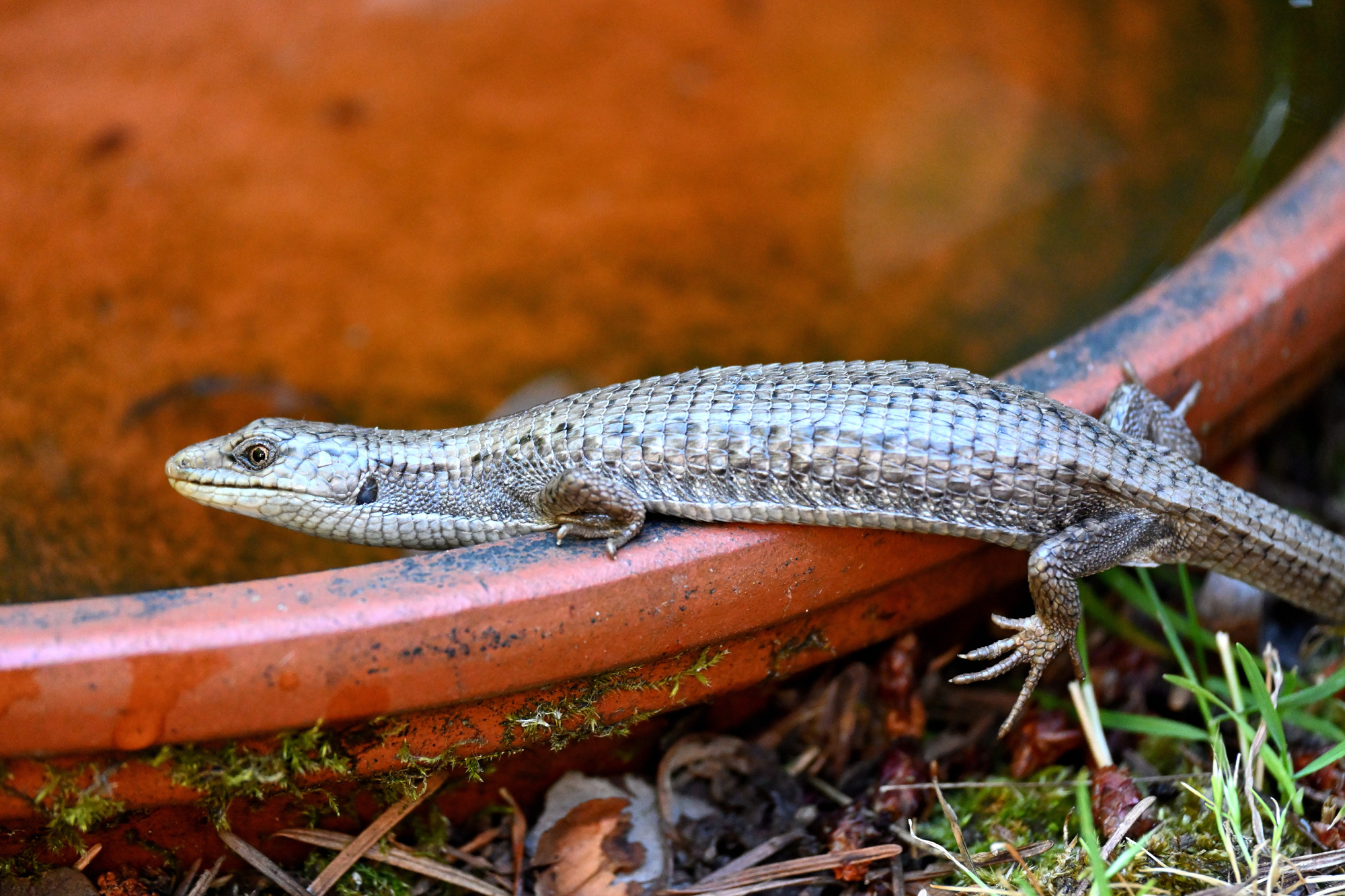
1/250s f/6,3 ISO 560 50-250mm f/4,5-6,3 VR f=250mm/375mm
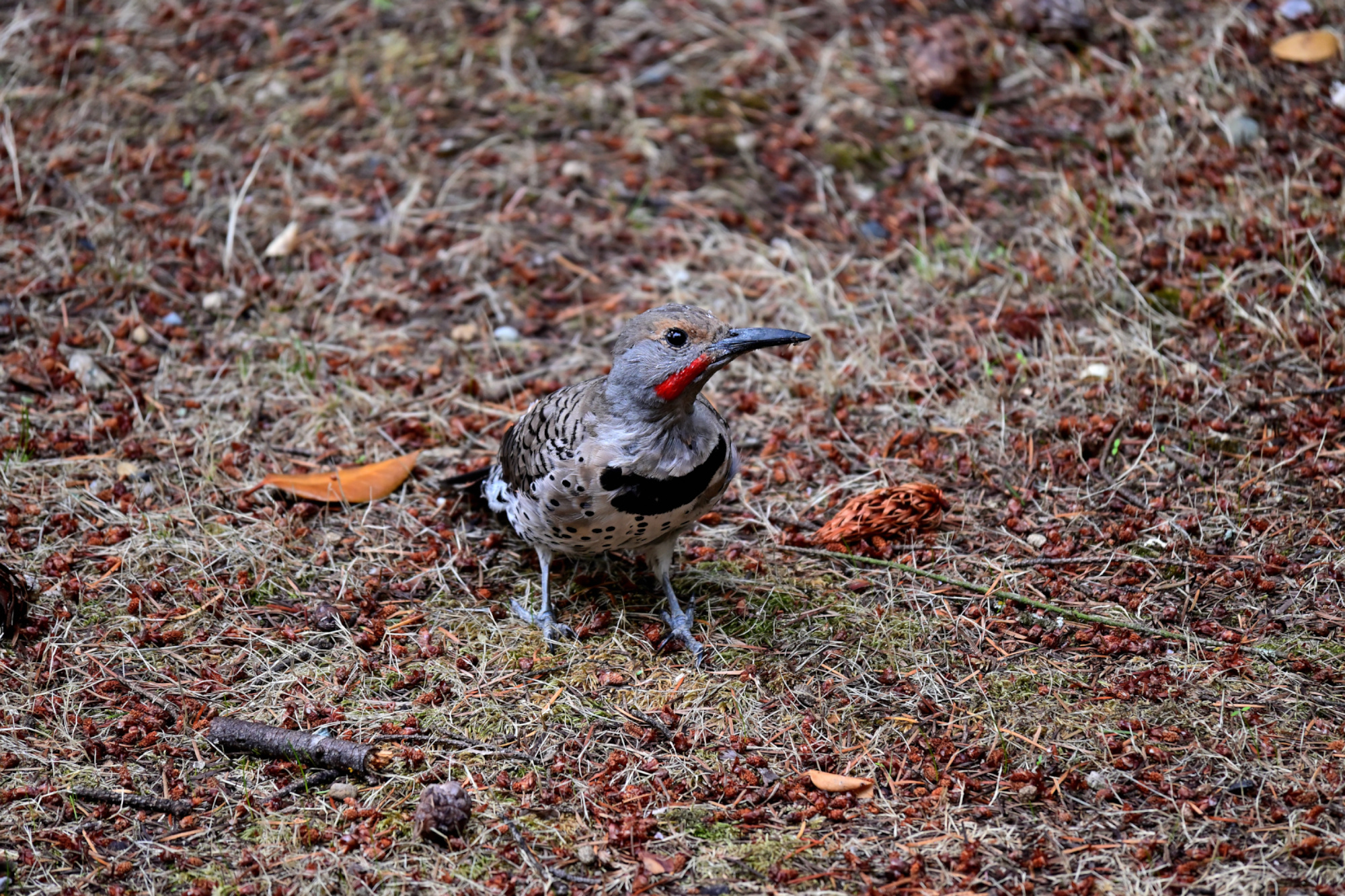
1/500s f/6,3 ISO 160/23°
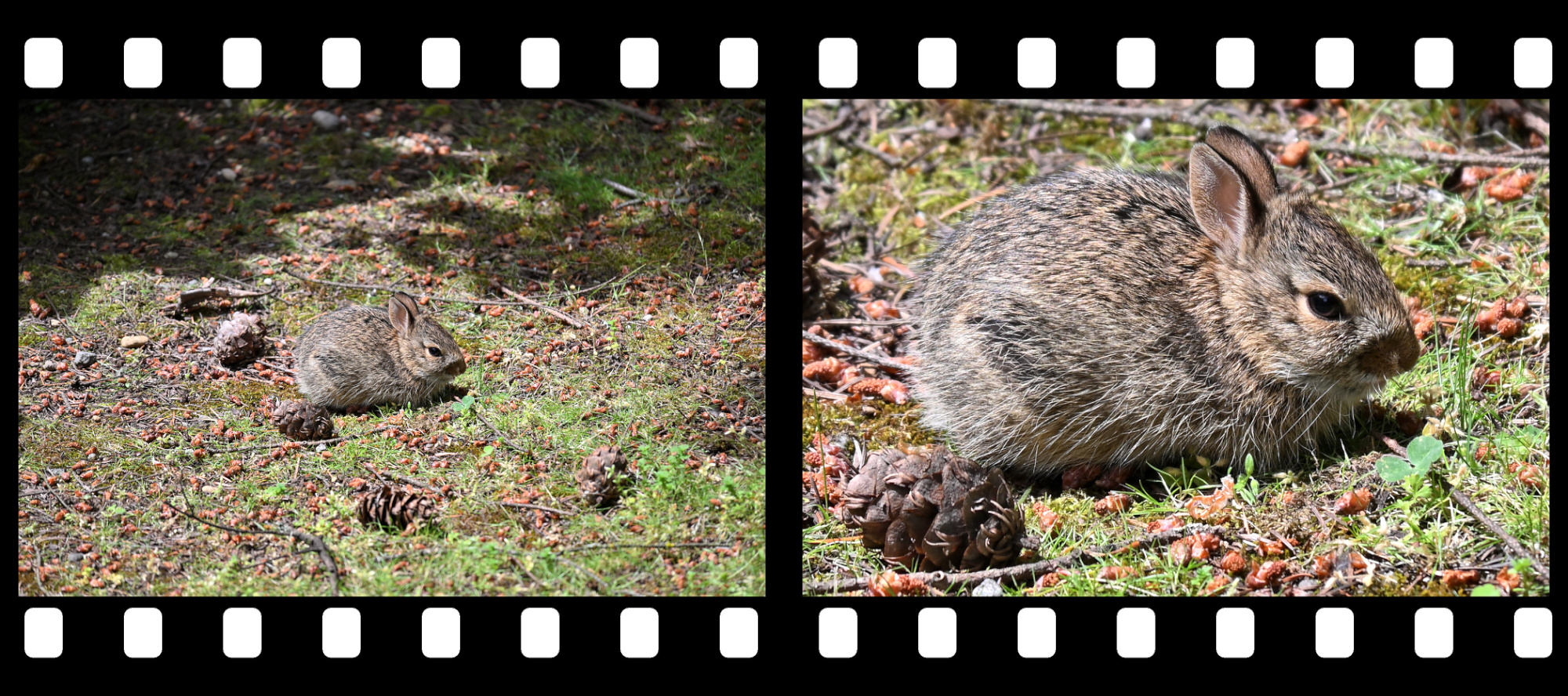
1/200s f/6,3 ISO 3200/36° | 1/125s f/6,3 ISO 7200
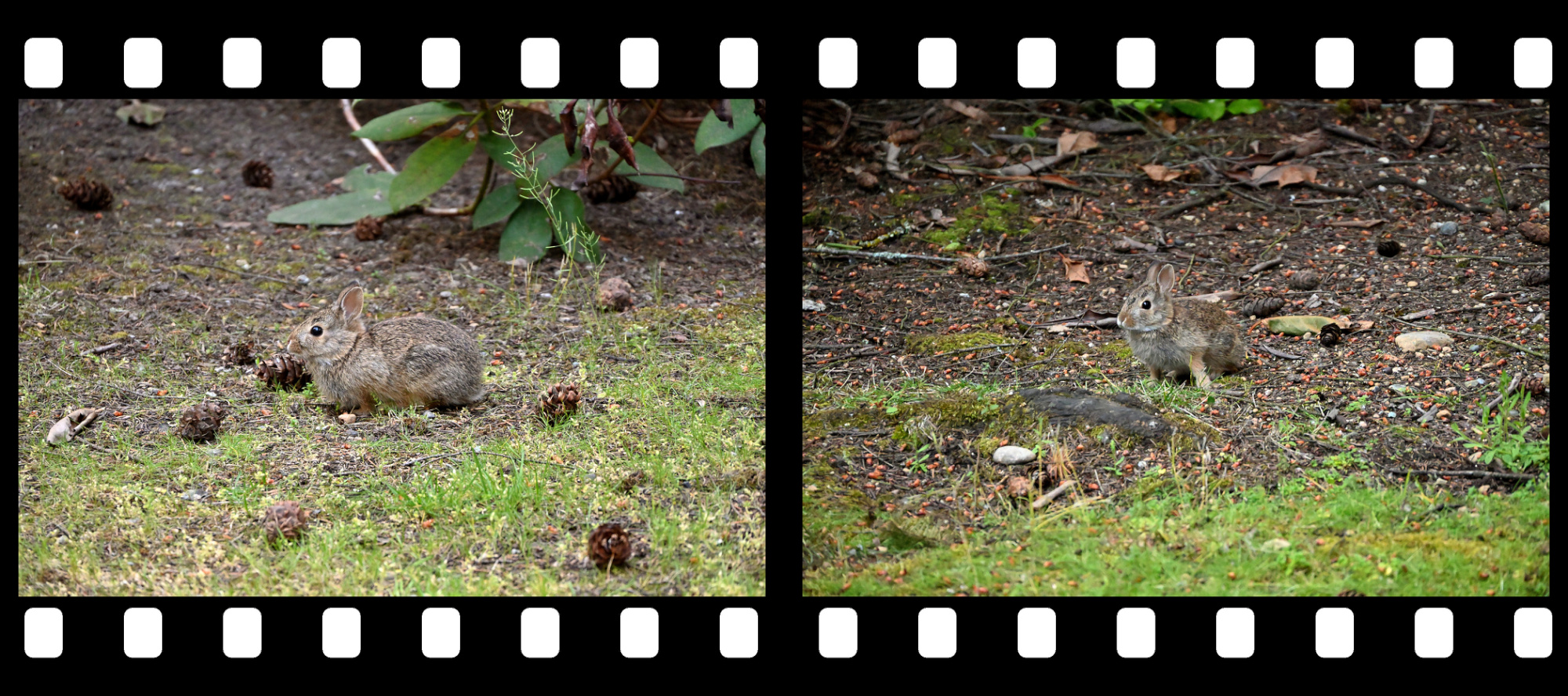
1/80s f/6,3 ISO 12800/42° | 1/200s f/6,3 ISO 3200/36°
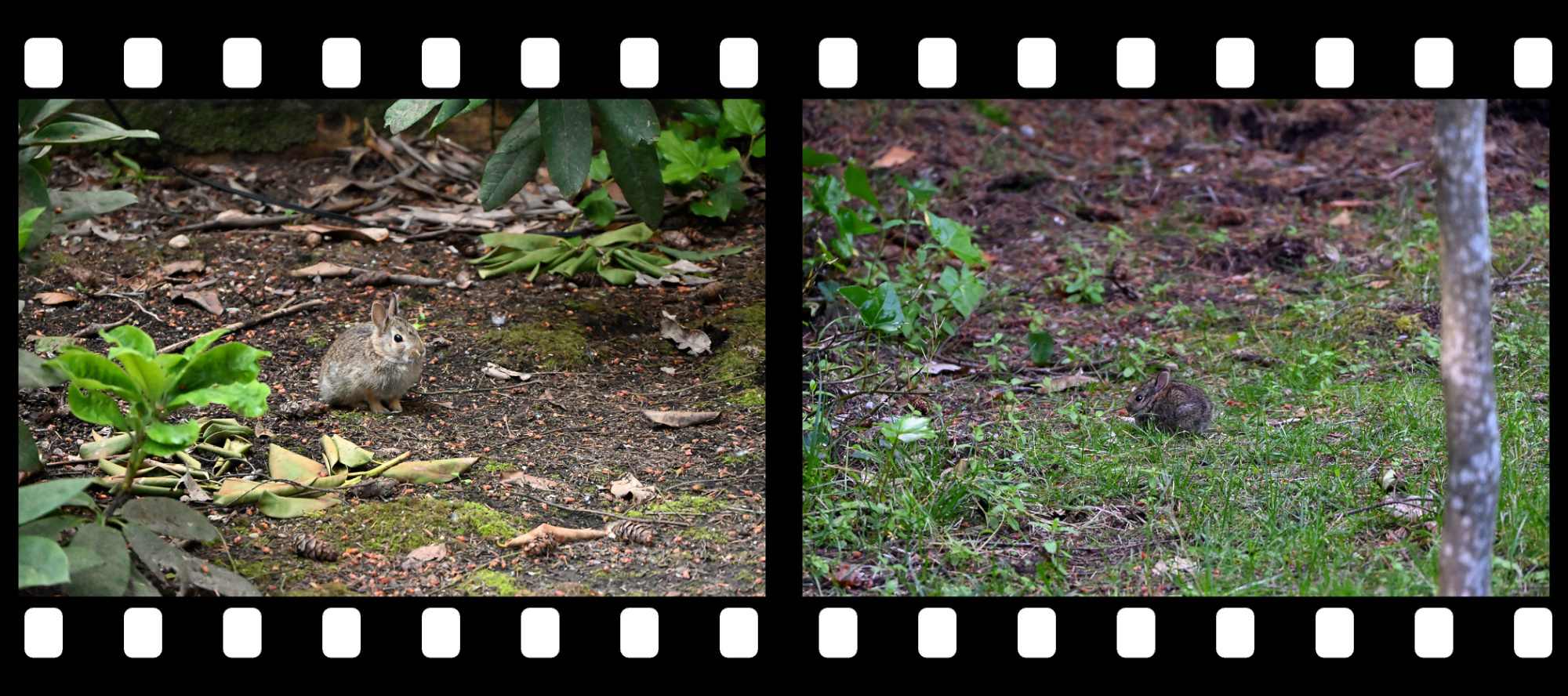
1/250s f/6,3 ISO 900 | *1/250s f/6,3 ISO 1250
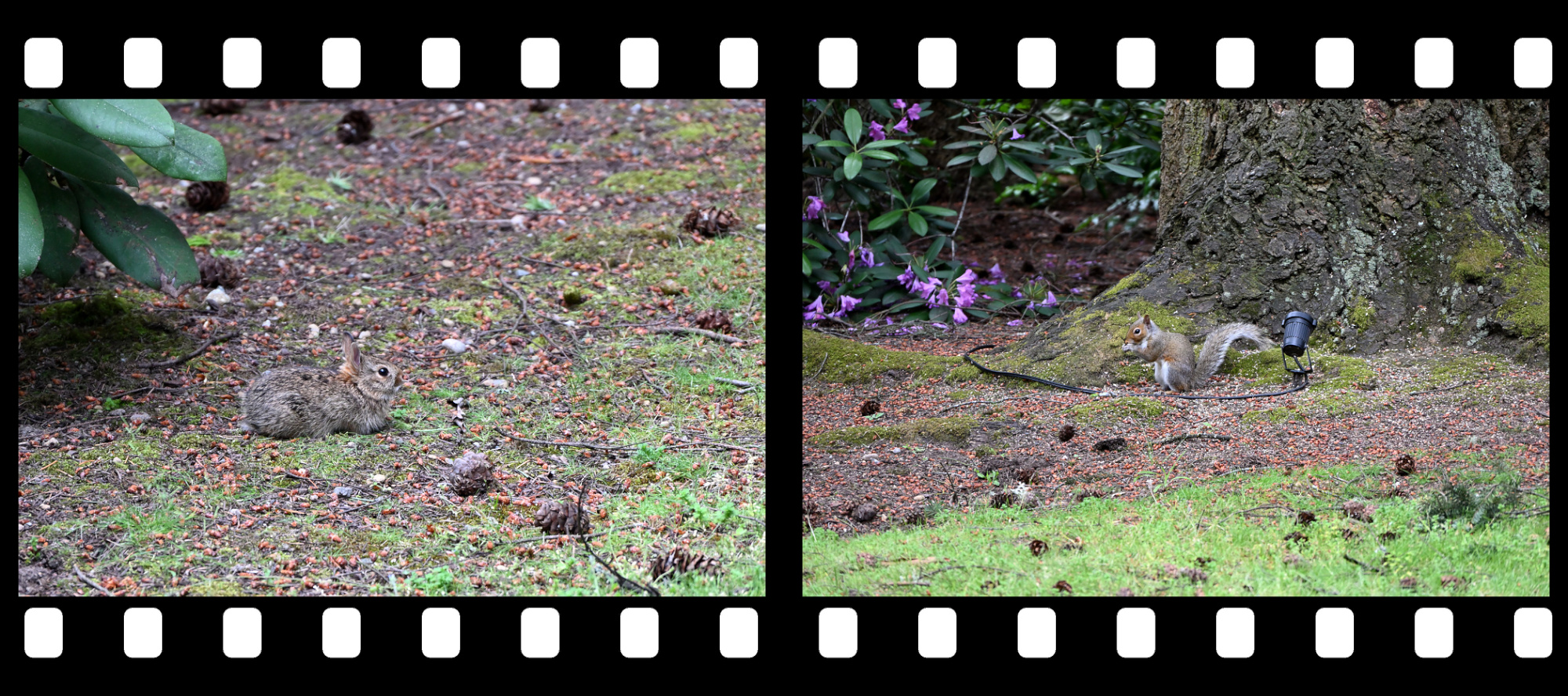
1/250s f/6,3 ISO 1600/33° | 1/250s f/6,3 ISO 900
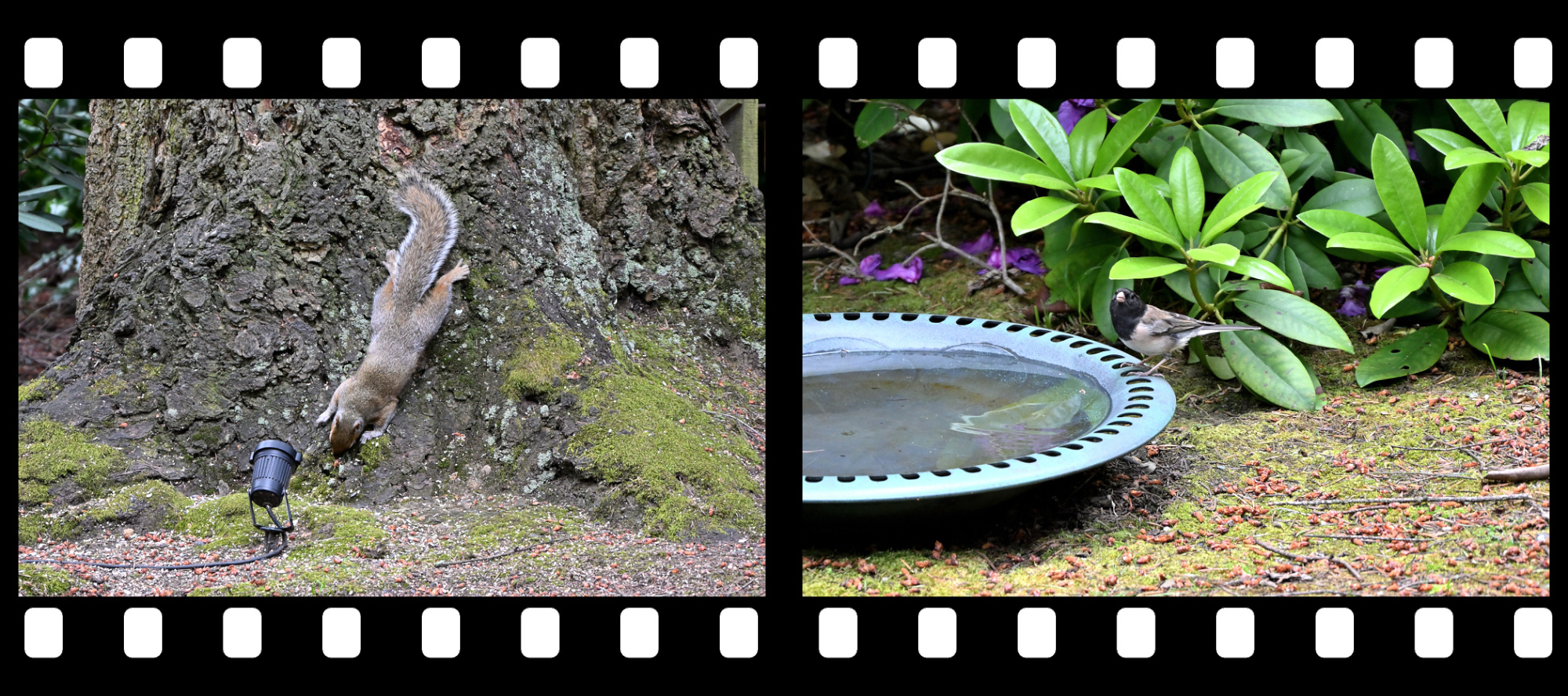
1/125s f/6,3 ISO 12800/42° | 1/80s f/6,3 ISO 12800/42°
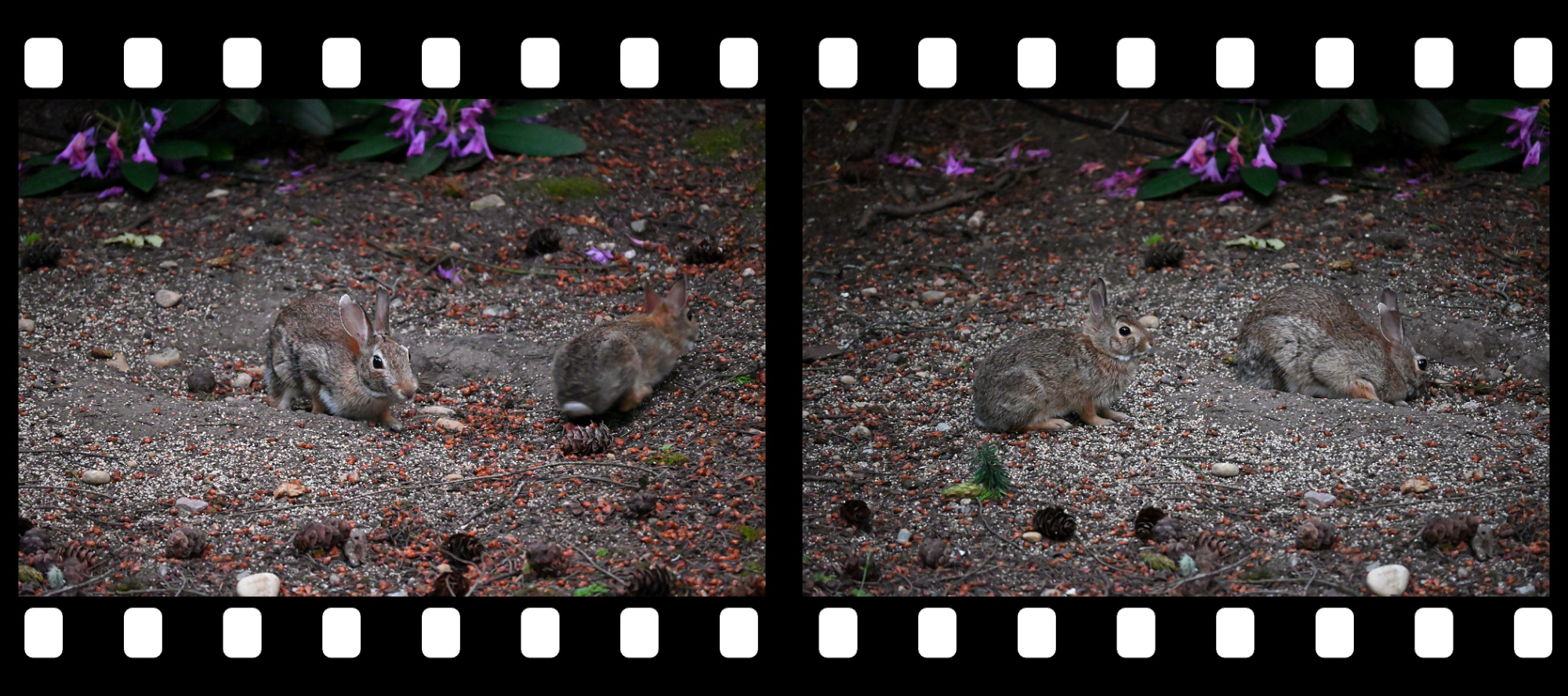
-
Translate to any language using PowerShell
Google's online translation service is an easy way to translate text into any language.
For example:[string]$text = "The picture." online-translate "de" $textThe returned translation is "Das Bild."
Or:[string]$text = "The picture search is finished. %1!d! pictures have been scanned and %2!d! duplicate pictures were found. Would you like to see the list with the duplicate picture names?" online-translate "de" $textThe returned translation is "Die Bildsuche ist beendet. %1!d! Bilder wurden gescannt und %2!d! Es wurden doppelte Bilder gefunden. Möchten Sie die Liste mit den doppelten Bildnamen sehen?"
Please note the unmodified placeholders (Ensure to use the REST API setting 'client=gtx').
This is all done with a PowerShell script using the public Google REST API:
<#
.DESCRIPTION
    Translate any text for a language using the google online translation service.
#>
function online-translate([string]$language, [string]$text) {

    # Escape newlines.
    $text = $text.Replace("`n", '
')

    # The google rest API.
    [string]$uri = "https://translate.googleapis.com/translate_a/single?client=gtx&tl=$language&q=$text&sl=auto&dt=t"
    [string]$response = (Invoke-WebRequest -Uri $uri -Method Get).Content

    # Combine the segments of the response to a single string.
    # Regex is rather simple: Use the start pattern '[[["', or the segment pattern ']]]],["'
    # to capture the sentences in the text group.
    $m = ([regex]'(?:(?:^\[\[\[)|(?:\]\]\]\],\[))"(?<text>.*?)",".*?",null').Matches($response)
    [string]$translation = ($m | % { $_.groups['text'].Value }) -join ""

    # Adjust the translated text.
    $translation.Replace('\"', '"').Replace('\
', "`n").Replace('\
', "`r").Replace('[TAB]', "`t").Replace('\u003c', '<').Replace('\u003e', ">").Replace('\u003d', "=").Replace('\\\\', "\\")
}
The REST API response is more complex than the call itself, but with a simple regex this problem is easily solved in the function.
The starting pattern '[[["' or the segment pattern ']]]],["' is used to capture the sentences in the text group.
The number of segments depends on the text input. For example:
Small text return a single segment response:[[["Das Bild.","Das Bild.",null,null,5]],null,"de",null,null,null,1,[],[["de"],null,[1],["de"]]]
Larger text return a multi segment response:[[["Die Bildsuche ist beendet. ","The picture search is finished.",null,null,3,null,null,[[]],[[["84d48e73ebfa38d4d681515b81e0b72a","en_de_2023q1.md"]]]],["%1!d! ","%1!d!",null,null,3,null,null,[[]],[[["84d48e73ebfa38d4d681515b81e0b72a","en_de_2023q1.md"]]]],["Bilder wurden gescannt und %2!d! ","pictures have been scanned and %2!d!",null,null,3,null,null,[[]],[[["84d48e73ebfa38d4d681515b81e0b72a","en_de_2023q1.md"]]]],["Es wurden doppelte Bilder gefunden.\ Möchten Sie die Liste mit den doppelten Bildnamen sehen?","duplicate pictures were found.\ Would you like to see the list with the duplicate picture names?",null,null,3,null,null,[[]],[[["84d48e73ebfa38d4d681515b81e0b72a","en_de_2023q1.md"]]]]],null,"en",null,null,null,1,[],[["en"],null,[1],["en"]]] -
Ein Blumenstrauß zum Muttertag 💐🌹
-
Laowa 4mm f/2.8 Fisheye Lens
The Laowa 4mm f/2.8 is a manual focus Circular Fisheye lens for APS-C cameras.
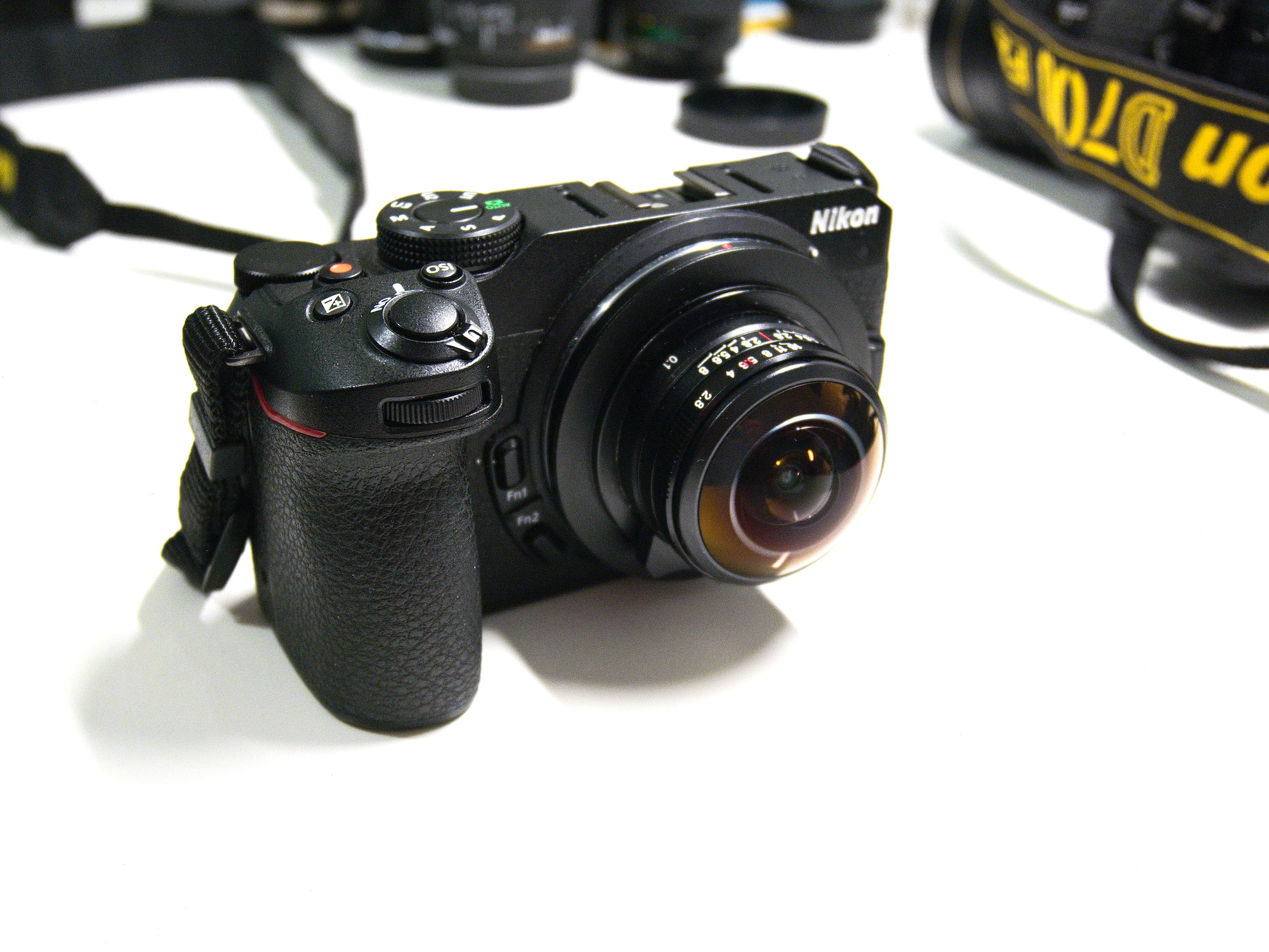
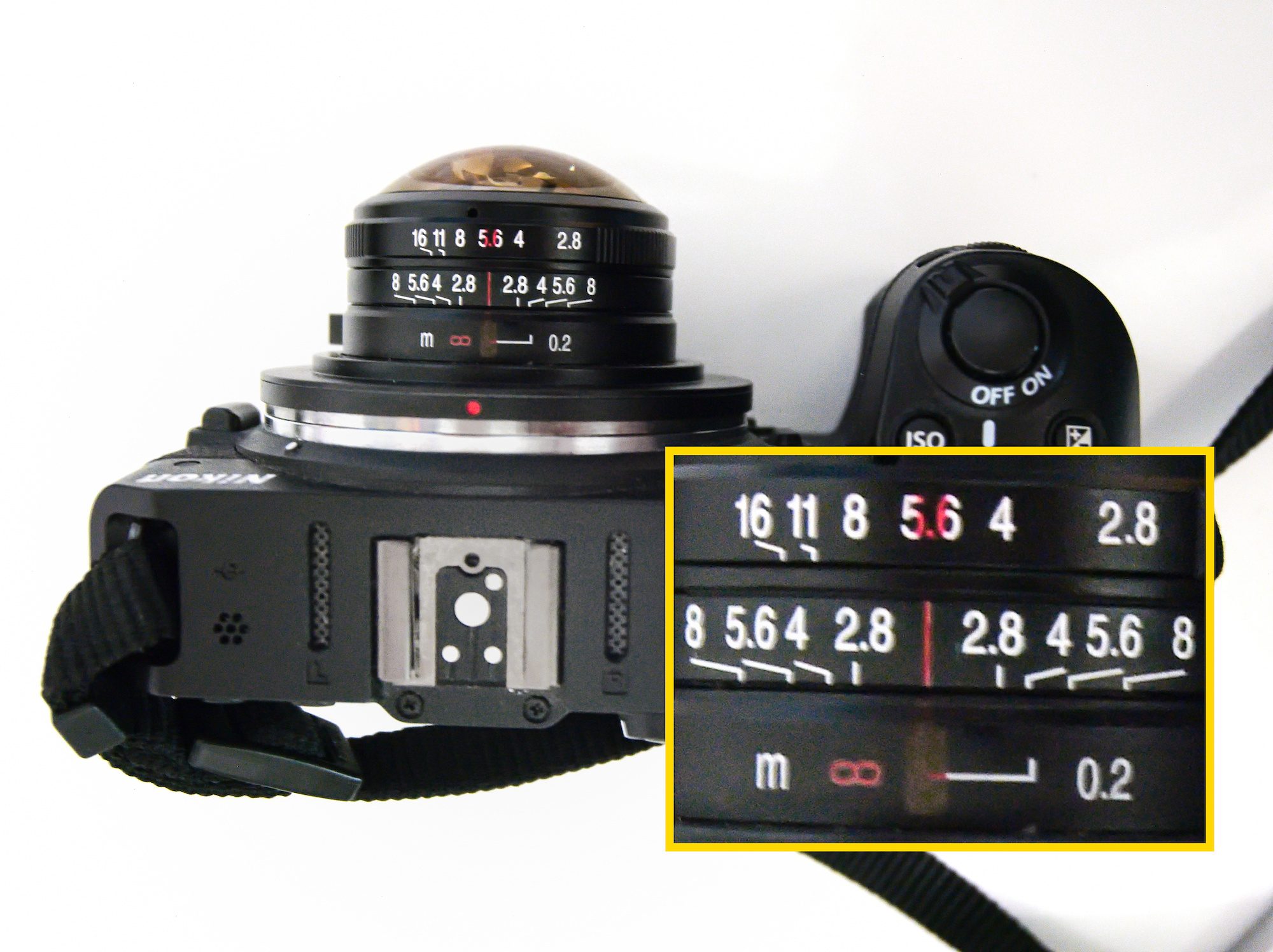
Best setting for 360°×180° Panoramas is at the beginning of the infinity mark and f/5.6. This puts everything from near to infinity in focus:
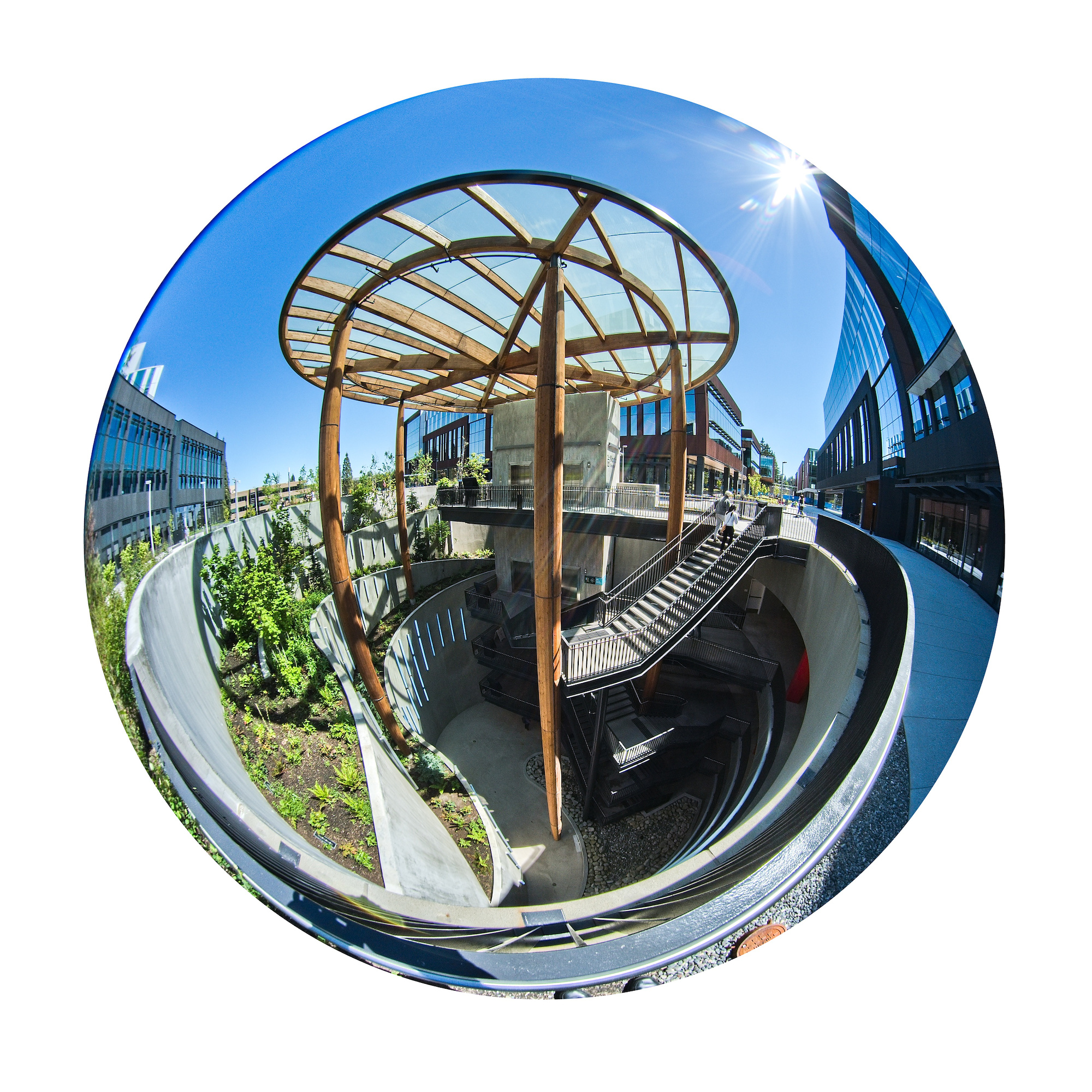
The 4mm Circular Fisheye lens allows you to capture stunning and unique shots:
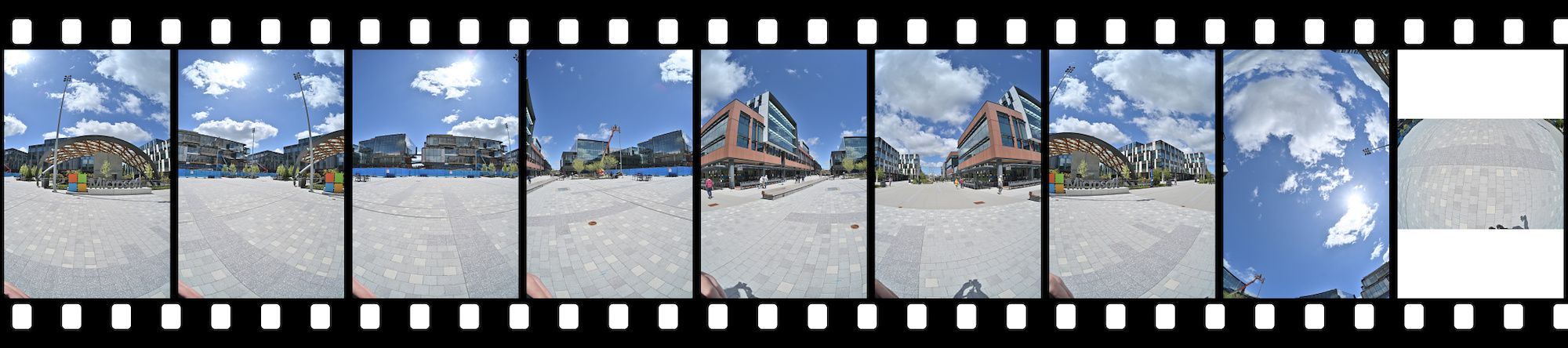
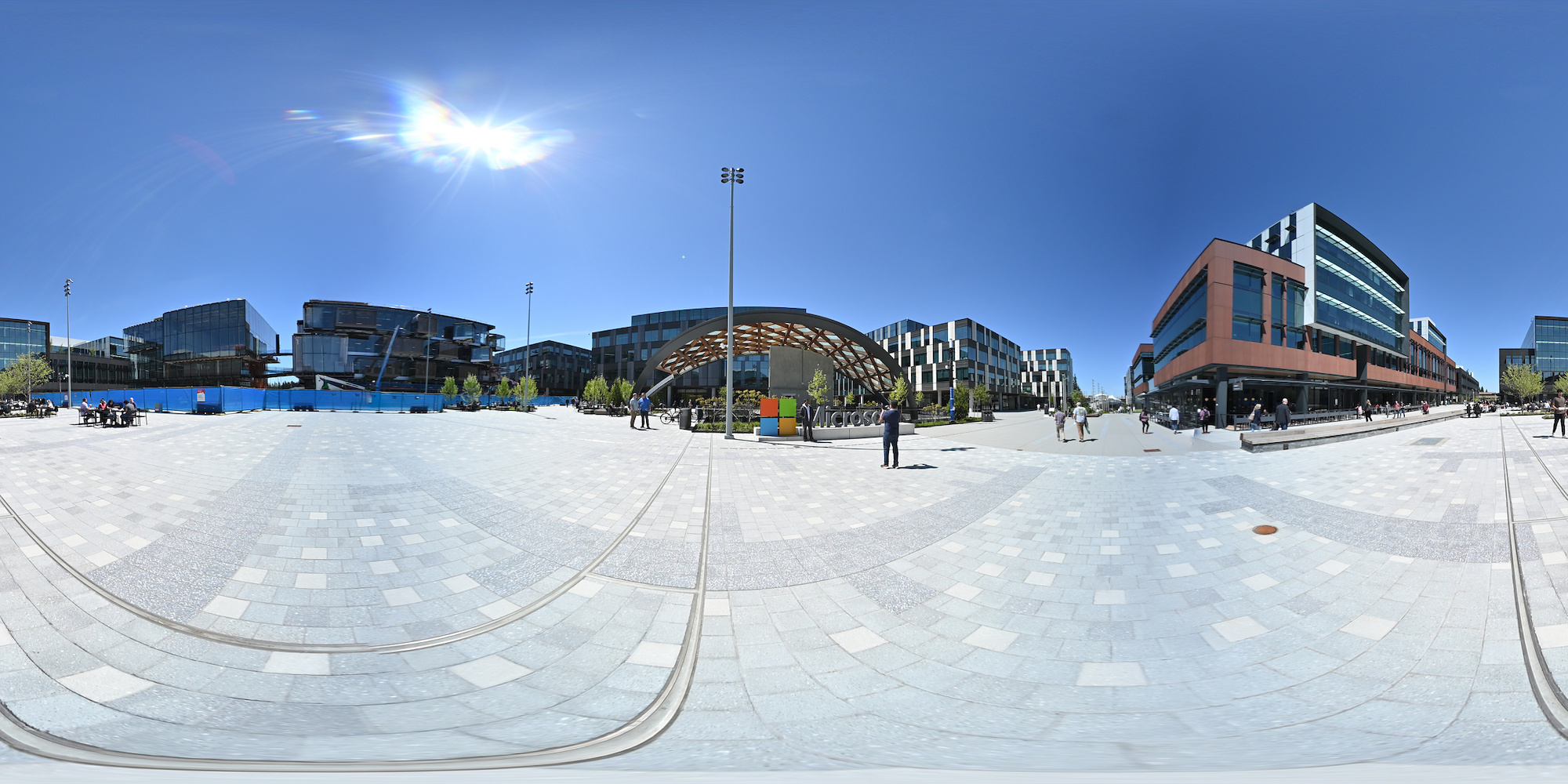
And a 360°×180° panorama with just two pictures:
1/1000s f/5.6 ISO 100/21°
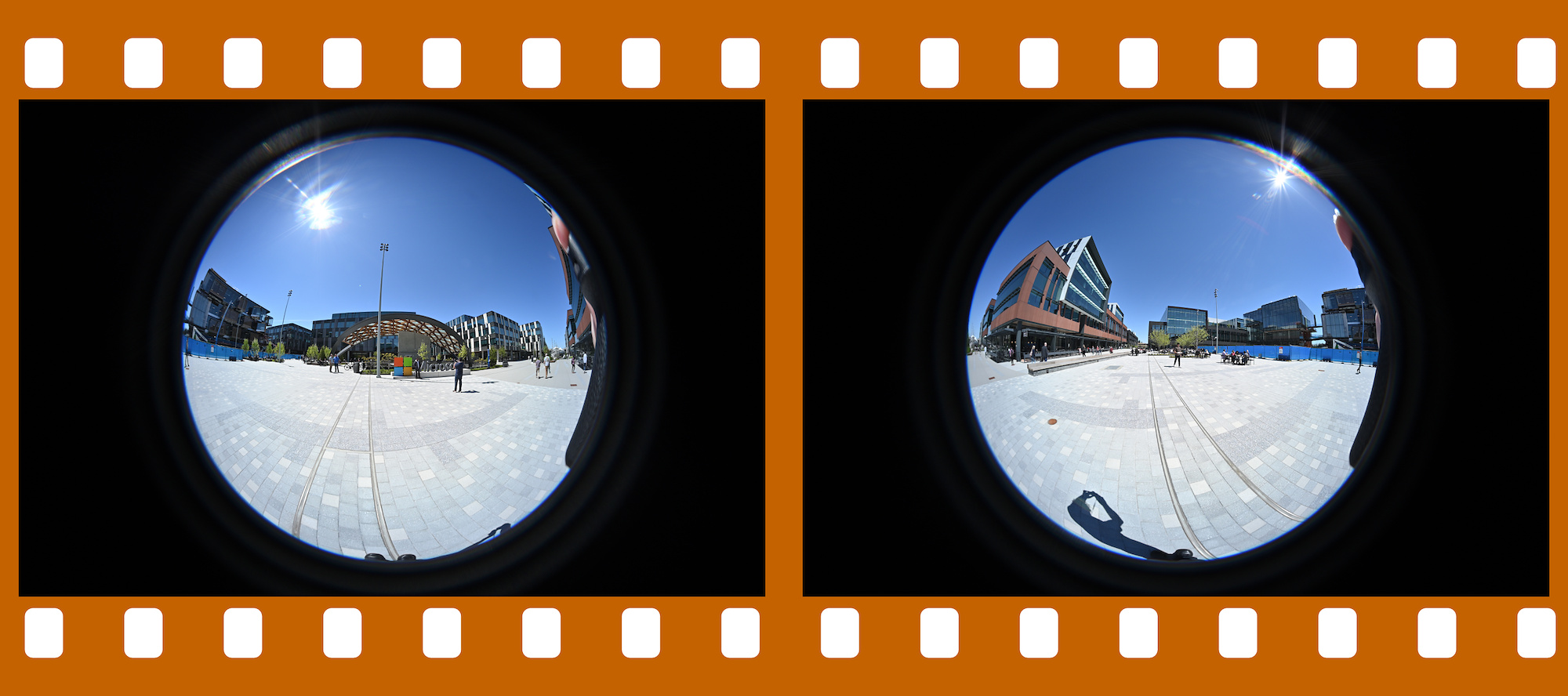
Original pictures used for this panorama: DSC_4706-4707.zip
Interactive Panorama Laowa 4mm
On a sunny day, position yourself so that your shadow falls within the area of overlap (your shadow is perpendicular to the direction you are looking):
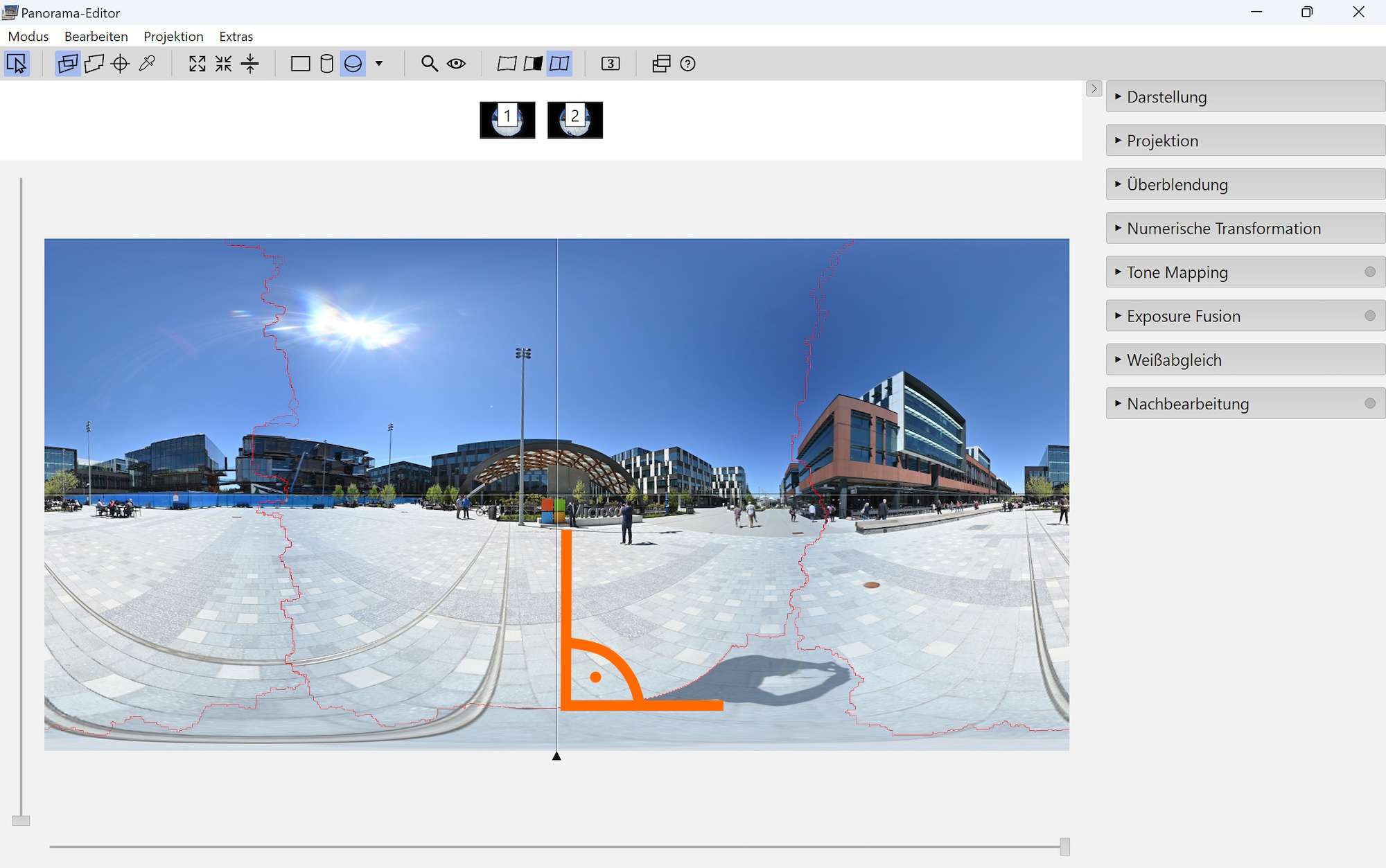
The overlap with the lens's 210° field of view at the seam is large enough to cover the shadow. Even for a nodal point adapter with a small footprint.
This is not possible with a 180° Fisheye.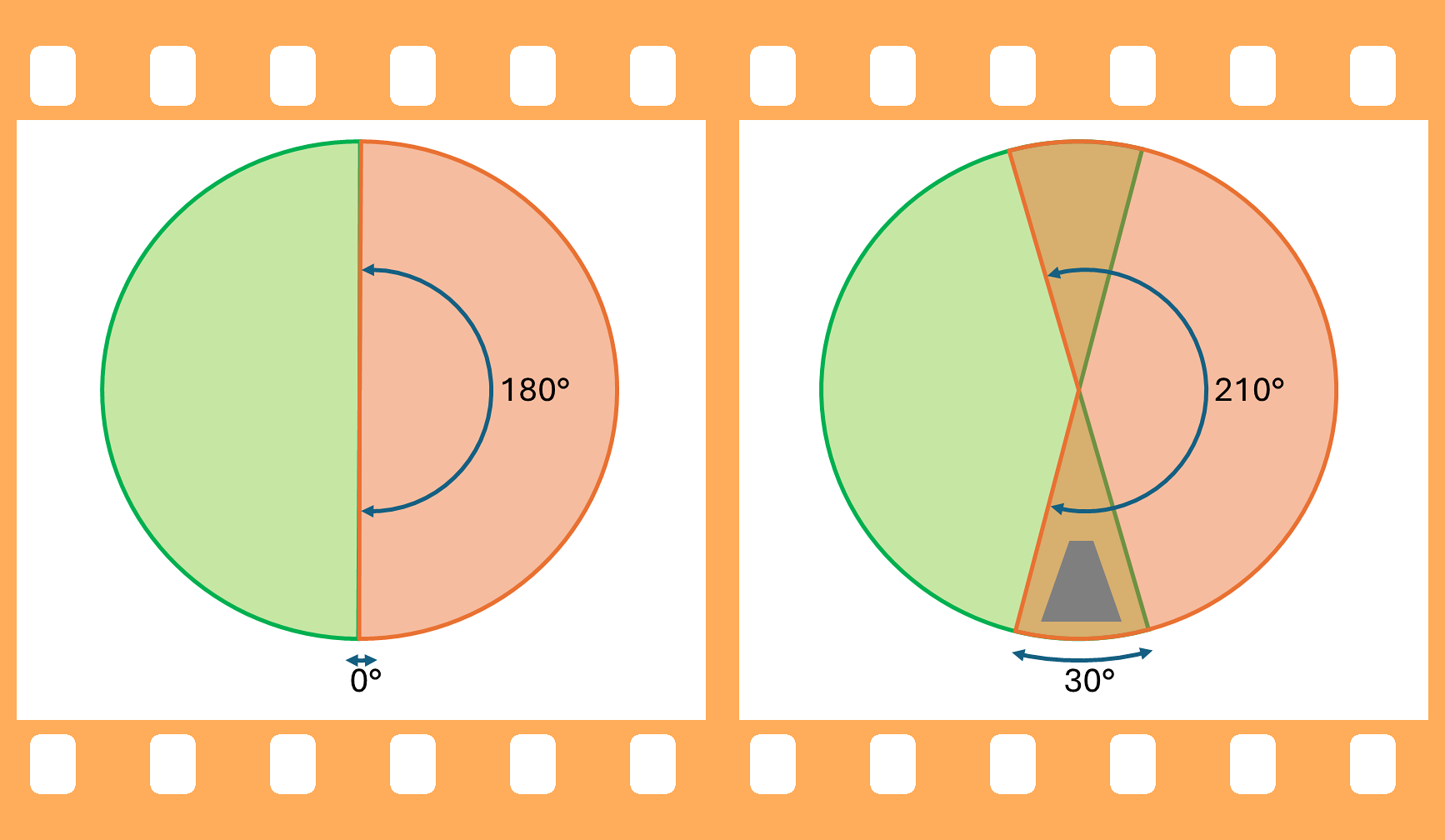
With the lens at a height of 1.6m, the 30° overlap is 1.6m*2*tan(15°)=0.85m (2ft 9").
Shadow covered:
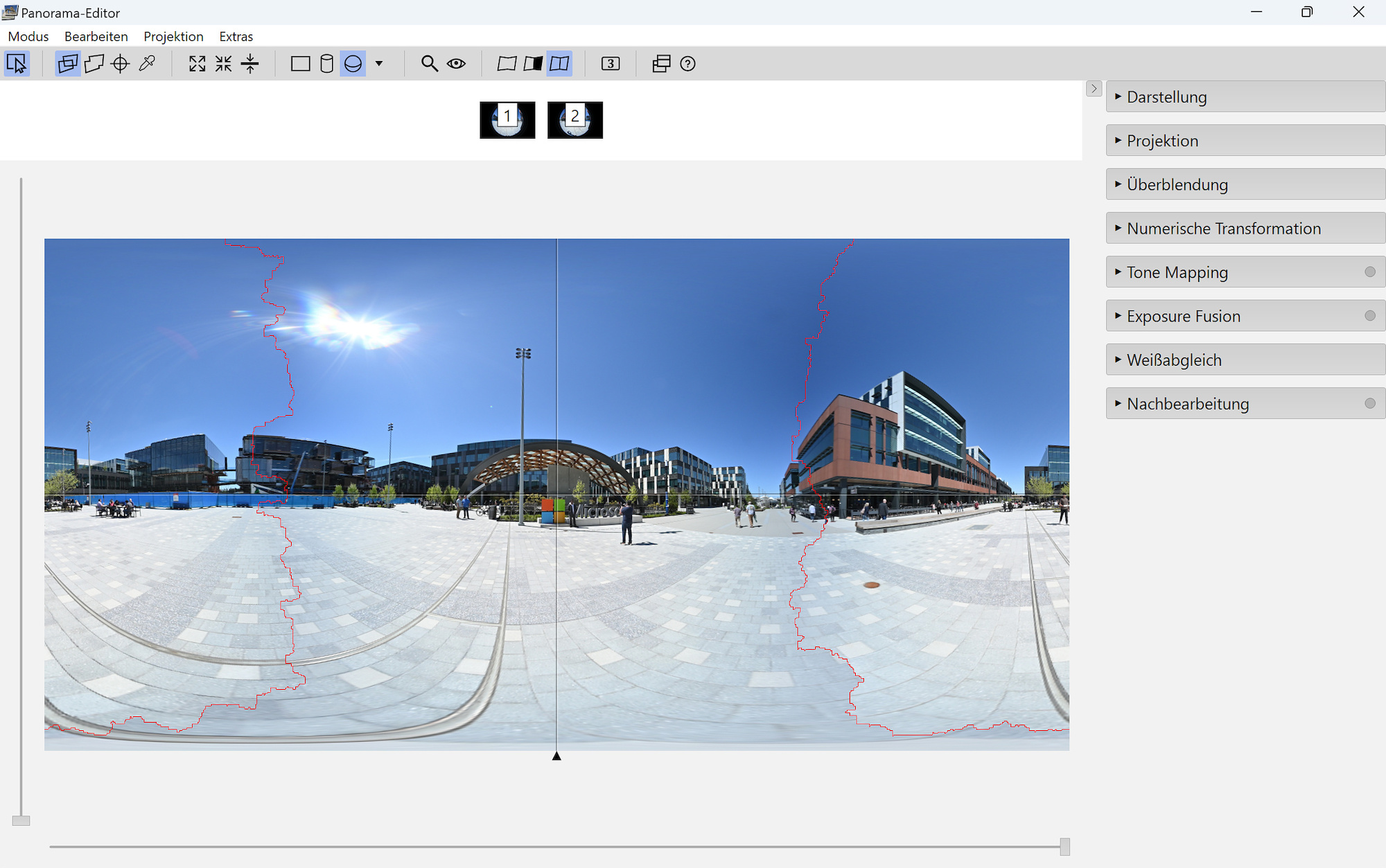
It is common for fisheye lenses to have decreased image quality toward the edges, but not really an issue if it is only used for web/social media. The ordinary Tiktok brain does not recognize this deficiency anyway.
The two images were taken without a tripod, so the stitch does not result in everything perfectly vertical and also has some minor misalignments. And with only two images, there is not much to vary. A nodal point adapter is recommended.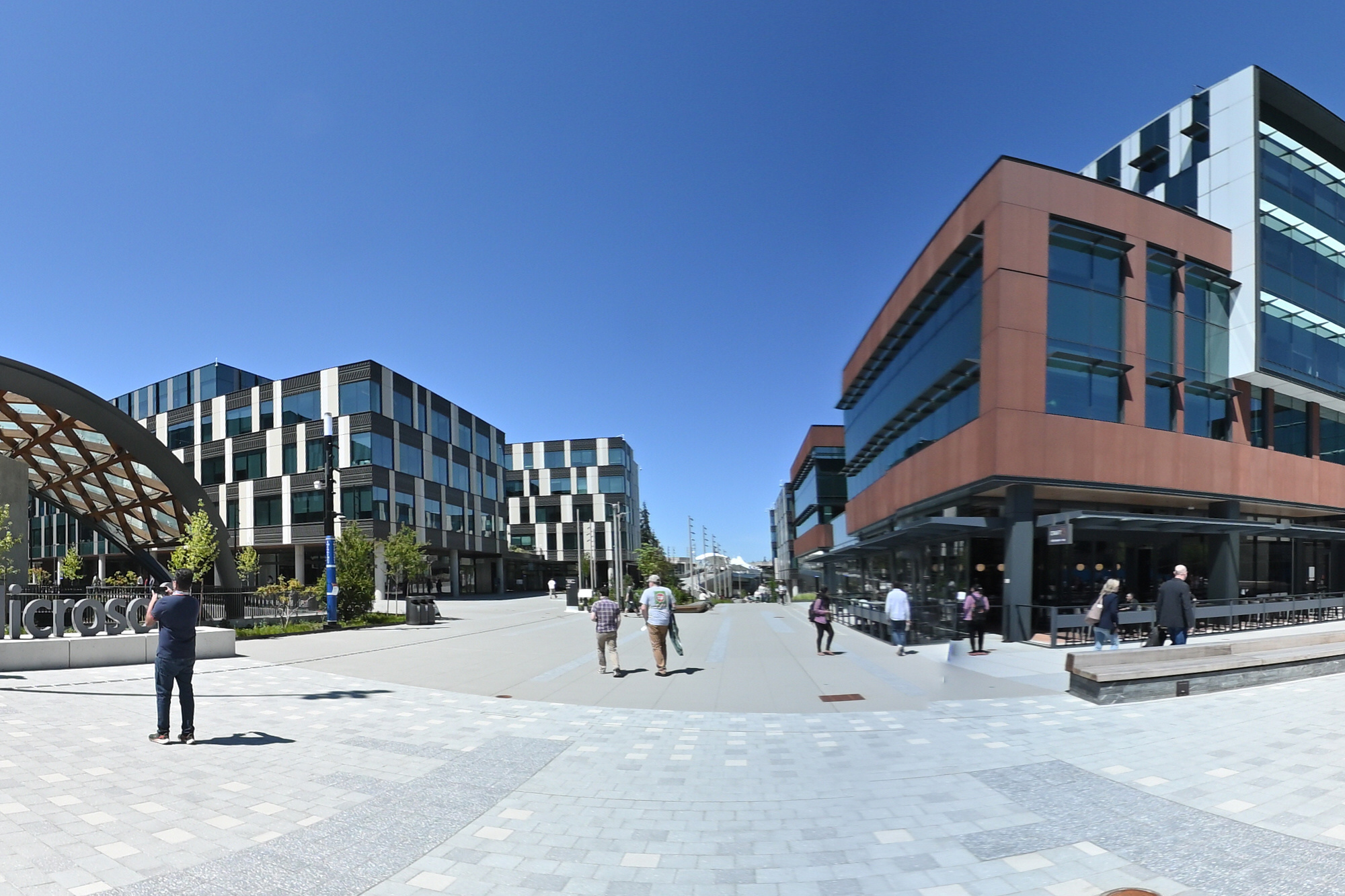
And there are internal reflections at the edges with bright sun light:
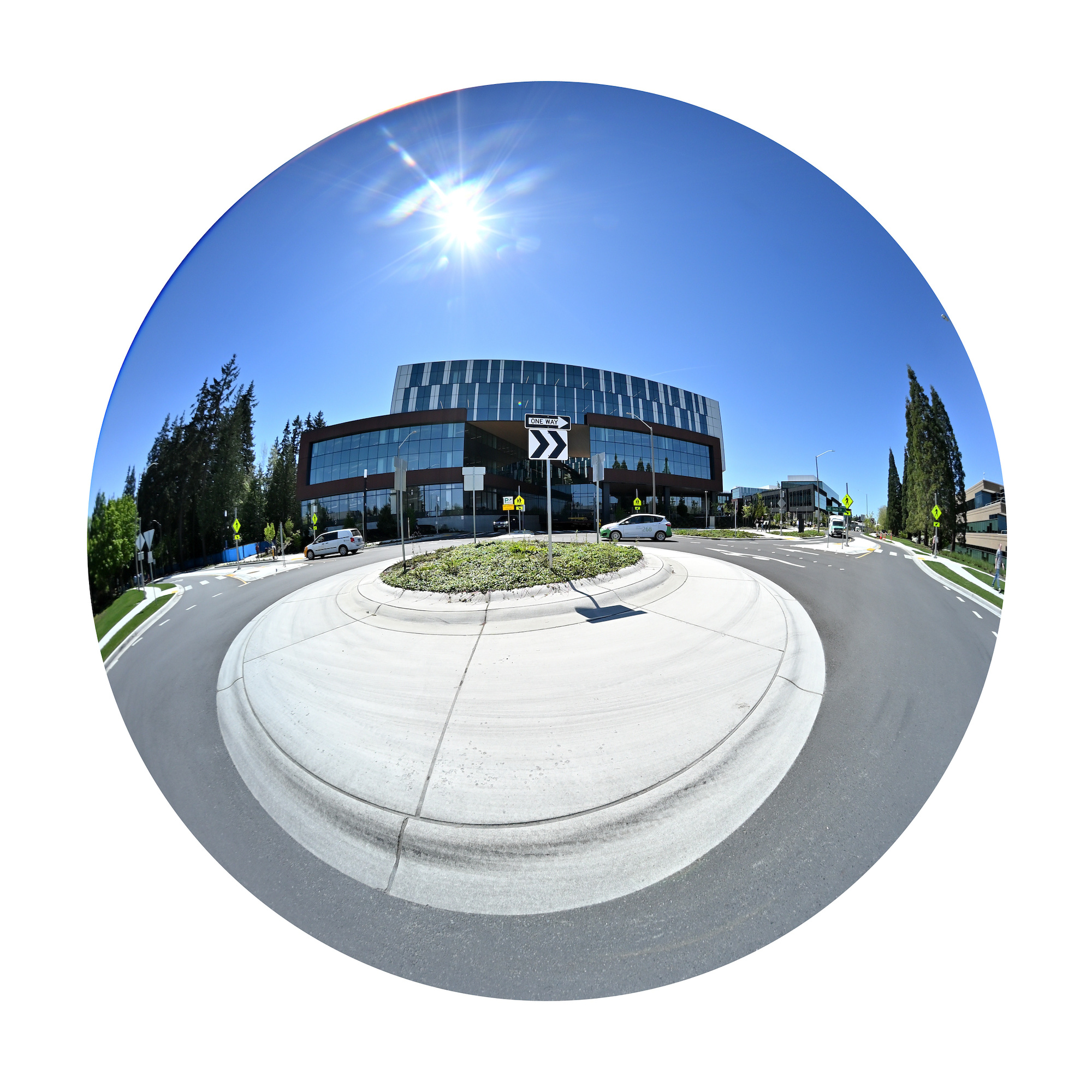
The crop of the center and the edge, both enlarged by 2 times:
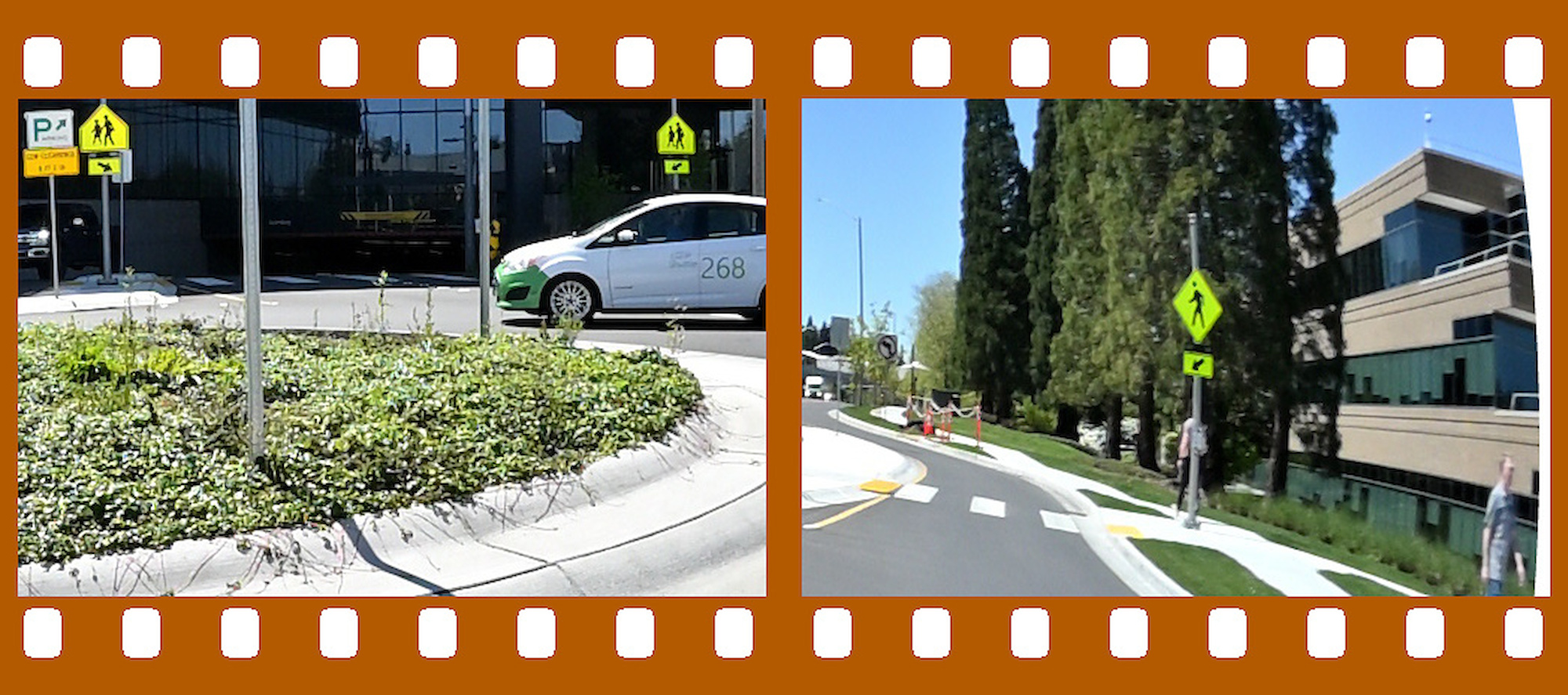
See also
TTArtisan 7.5mm f/2.0 Fisheye Lens
AstrHori 6.5mm f/2.0 Fisheye Lens -
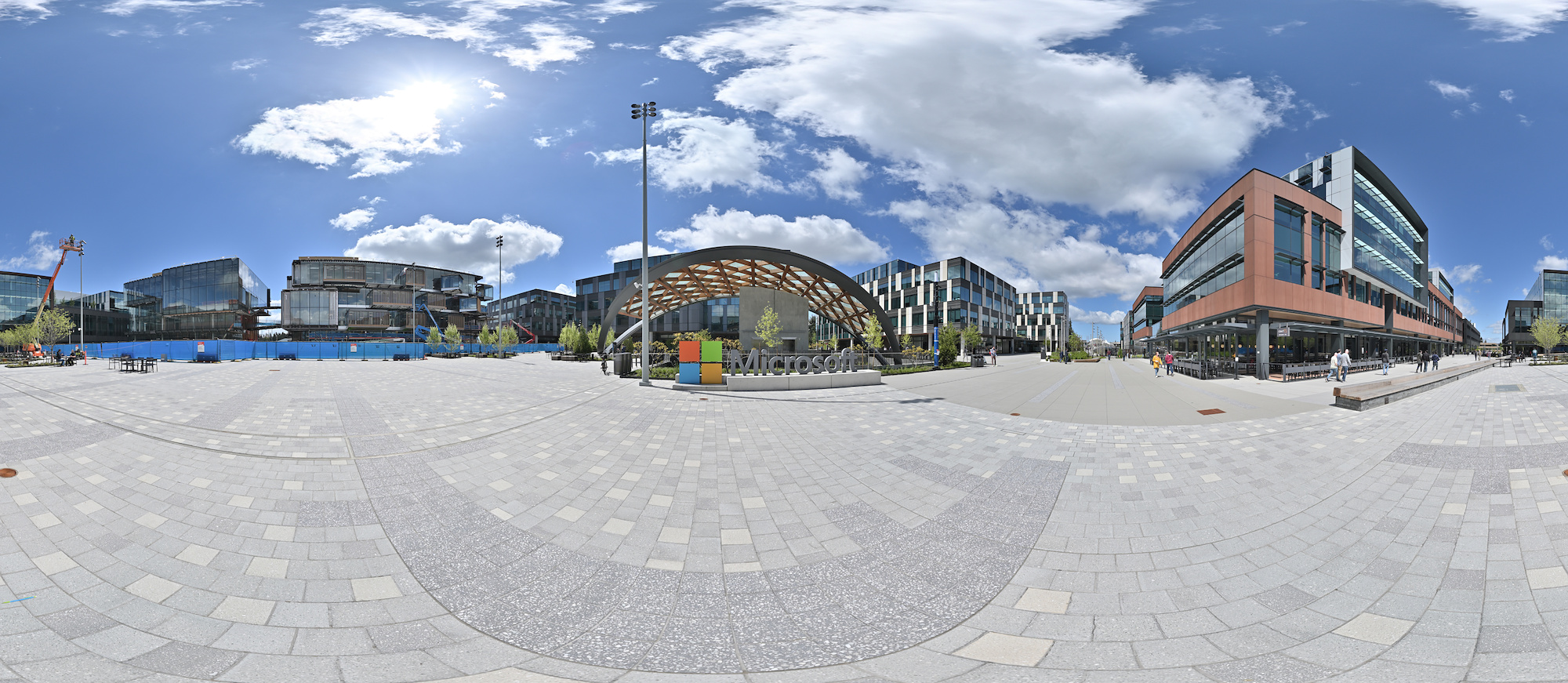
Microsoft East Campus, Redmond
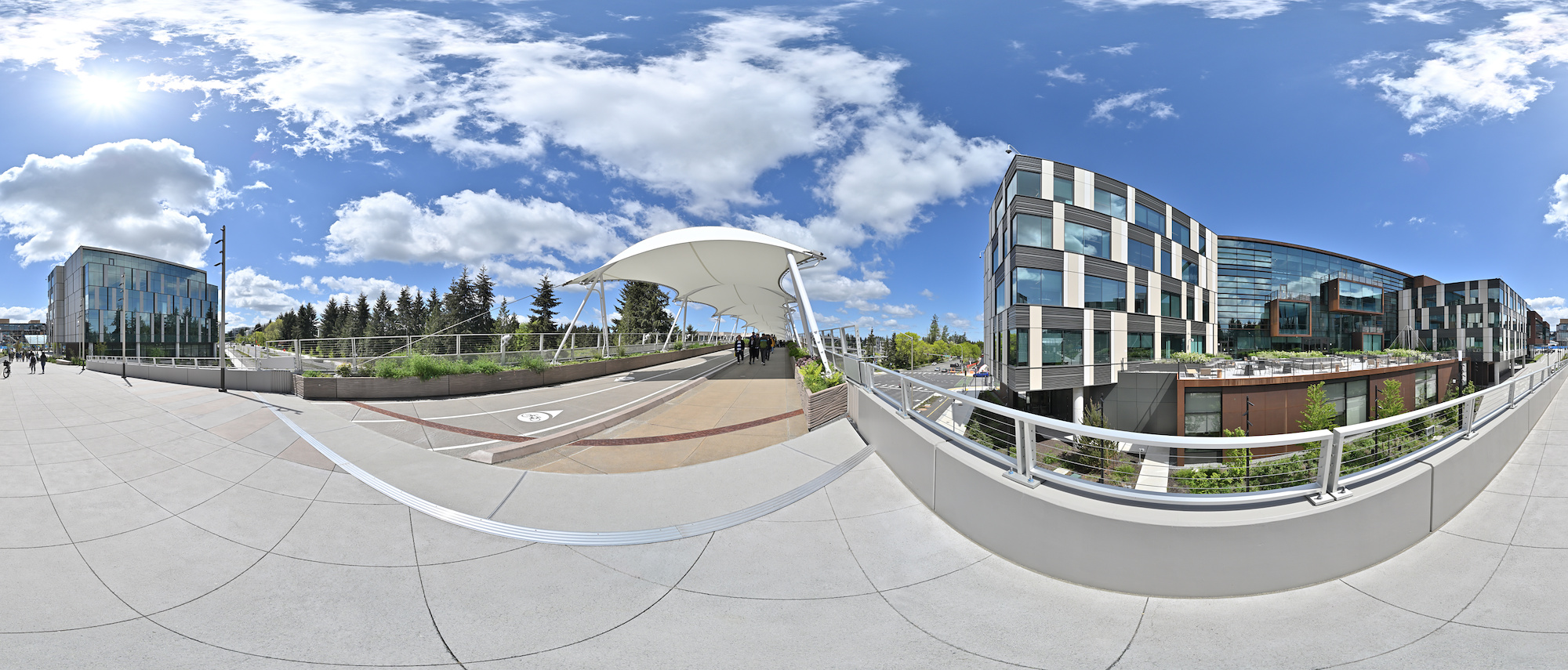
This panorama is the 2024 contribution for the 'Evolution' event of WorldWidePanorama.
Interactive Panorama Microsoft East Campus Brücke
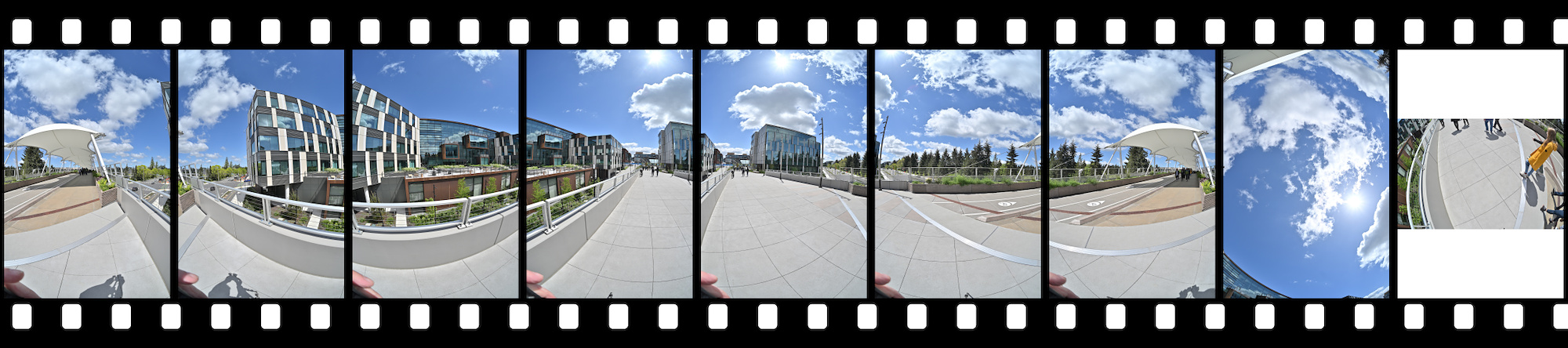
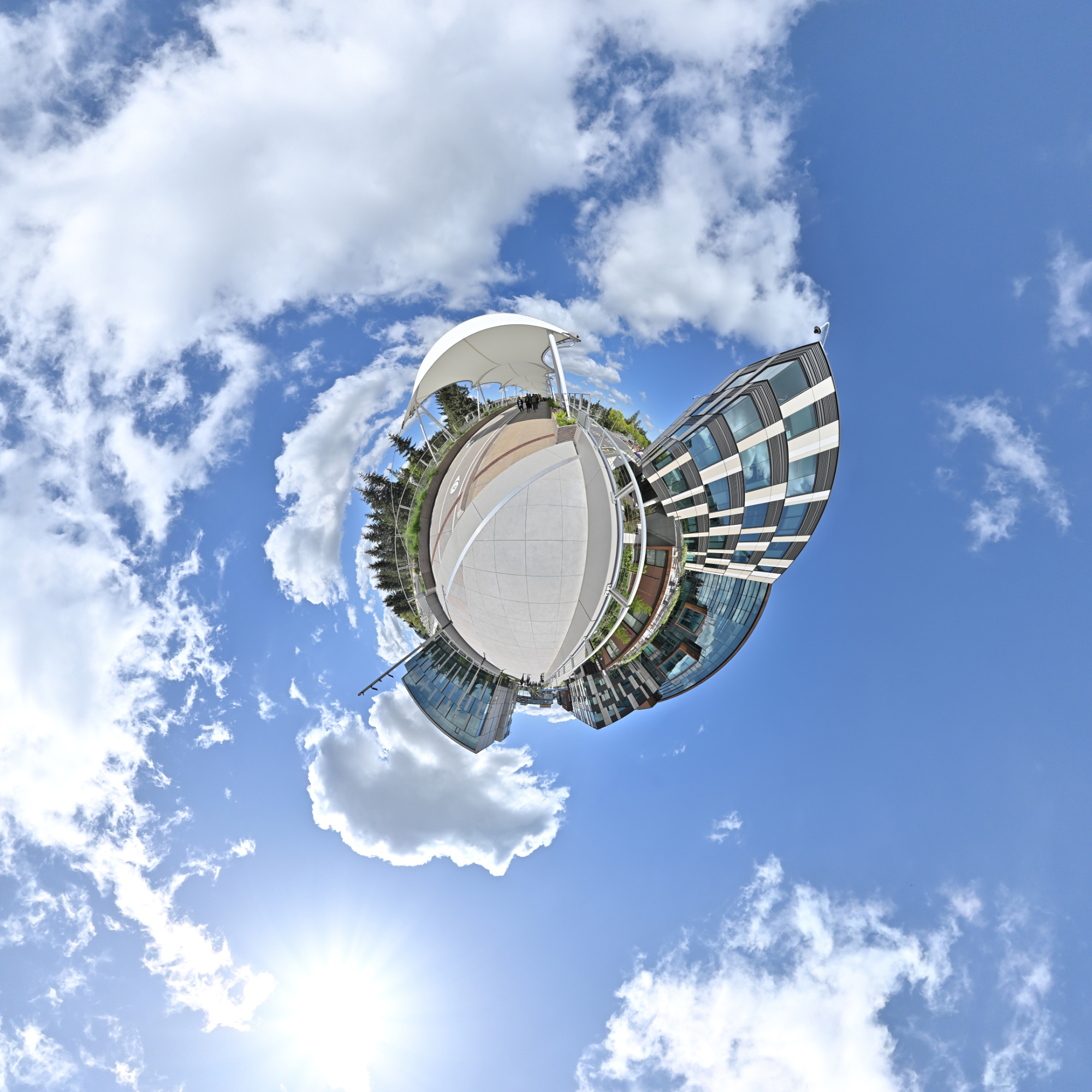
This panorama is the 2024 contribution for the '20 Years' event of WorldWidePanorama. This location was the main entrance of the old Campus.
Interactive Panorama Microsoft East Campus Bldg 9,10,11
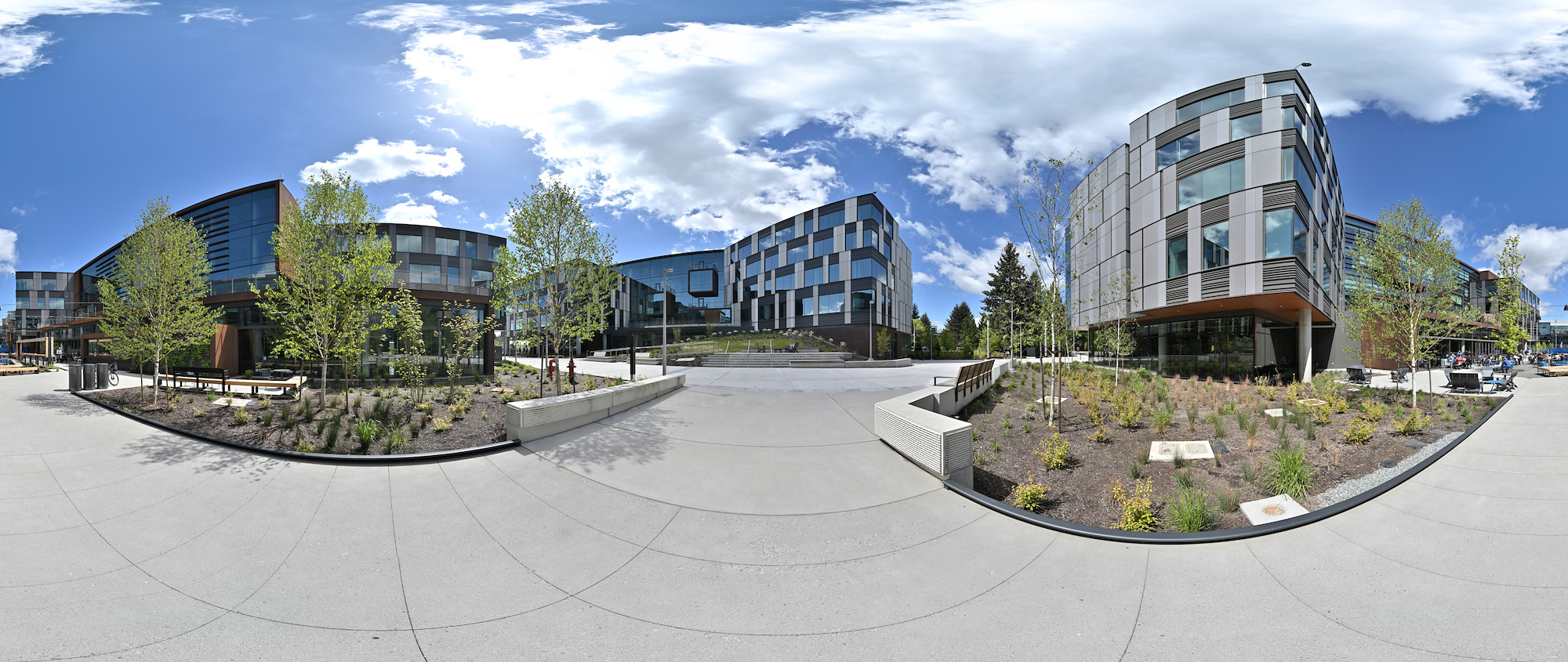
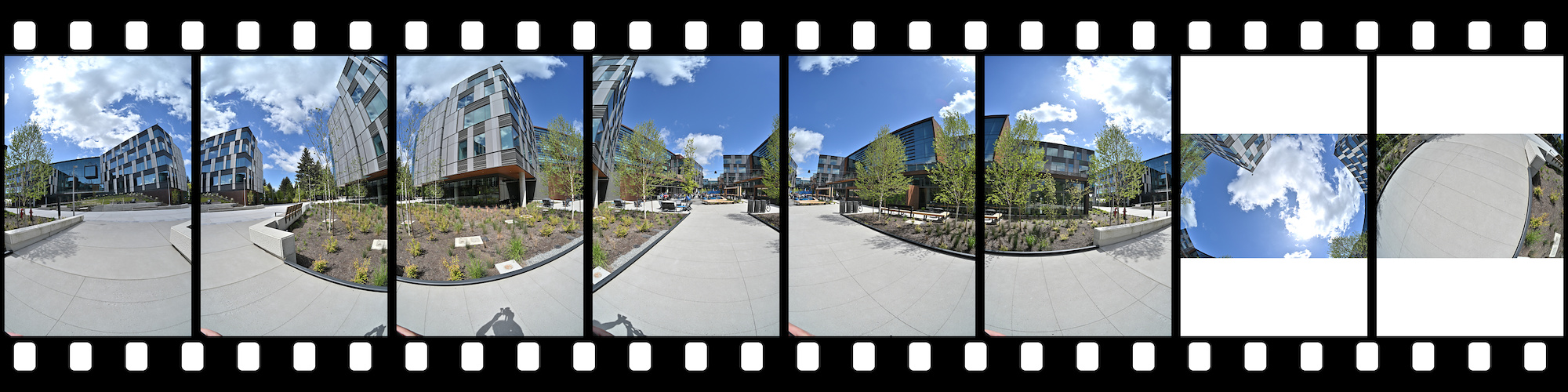
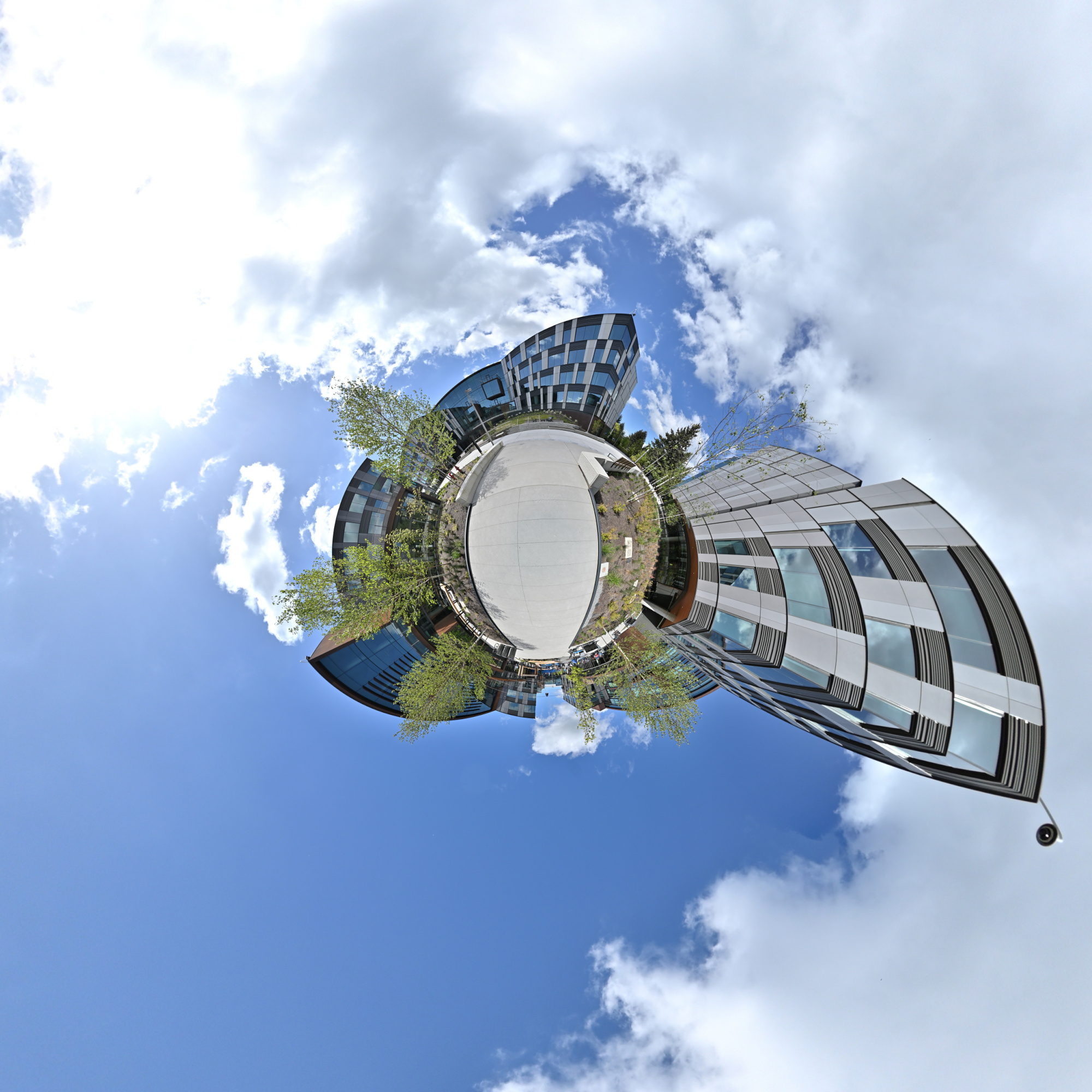
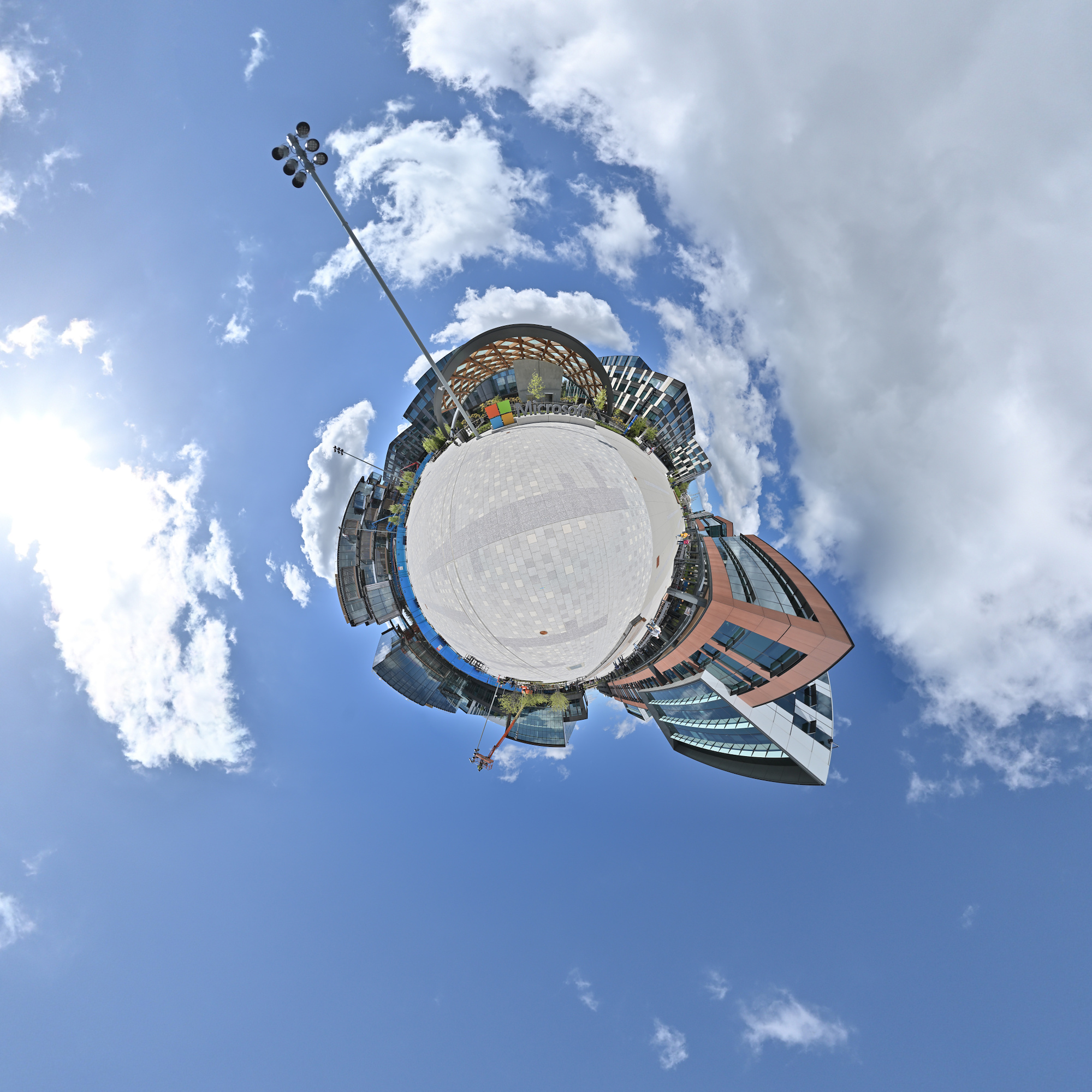
Interactive Panorama Microsoft East Campus Plaza